JeffLeites
Well-known member
- Local time
- 8:02 AM
- Posts
- 45
- OS
- Windows 11
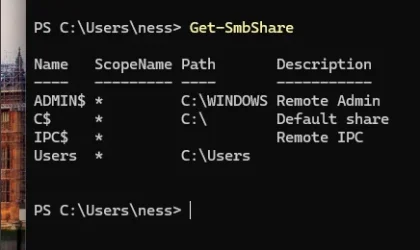
Somehow my USERS folder became a shared folder on my network. I can't unshare it.
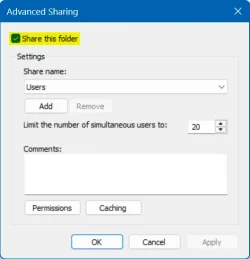
I've tried Remove Access, on the Explorer drop down menu, Sharing in the properties window, and Computer Management/share which doesn't even give me a Stop Sharing option although that's is what are read.
How do I stop sharing it?
I've tried Remove Access, on the Explorer drop down menu, Sharing in the properties window, and Computer Management/share which doesn't even give me a Stop Sharing option although that's is what are read.
How do I stop sharing it?
My Computer
At a glance
Windows 11
- OS
- Windows 11