darien_day
Active member
- Local time
- 12:54 AM
- Posts
- 23
- OS
- Windows 11 Pro.
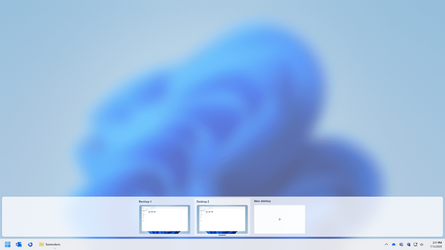
I'm having an issue with a fresh install of Windows 11. When I hit Win+Tab, the virtual desktops I have open all show the exact same windows / applications.
Anyone know how to fix this?
Also, I thought each virtual desktop would show a list of its open applications that would let me drag the applications to a different virtual desktop. I don't see this either.
Anyone know how to fix this?
Also, I thought each virtual desktop would show a list of its open applications that would let me drag the applications to a different virtual desktop. I don't see this either.
Attachments
My Computer
At a glance
Windows 11 Pro.
- OS
- Windows 11 Pro.