Visual Studio Code github:
Welcome to the February 2026 release of Visual Studio Code. This release makes agents practical for longer-running and more complex tasks, giving you more control and visibility, new ways to extend agents, and smarter session management.
Agent plugins: install prepackaged bundles of skills, tools, and hooks from the Extensions view
Agentic browser tools: let the agent drive the browser to interact with your app and verify its own changes
Session memory: persist plans and guidance across conversation turns
Context compaction: manually compact conversation history to free up context space
Fork a chat session: create a new, independent session that inherits conversation history to explore alternative approaches
Agent Debug panel: get real-time visibility into agent events, tool calls, and loaded customizations
Chat accessibility: use chat to its fullest with screen reader improvements, keyboard navigation, and notification signals
Create agent customizations from chat: generate prompts, skills, agents, and hooks directly from a conversation
Kitty graphics protocol: render high-fidelity images directly in the integrated terminal
For the complete release notes go to Updates on code.visualstudio.com.
Insiders: Want to see new features as soon as possible? You can download the nightly Insiders build and try the latest updates as soon as they are available.
Happy Coding!
Read more:
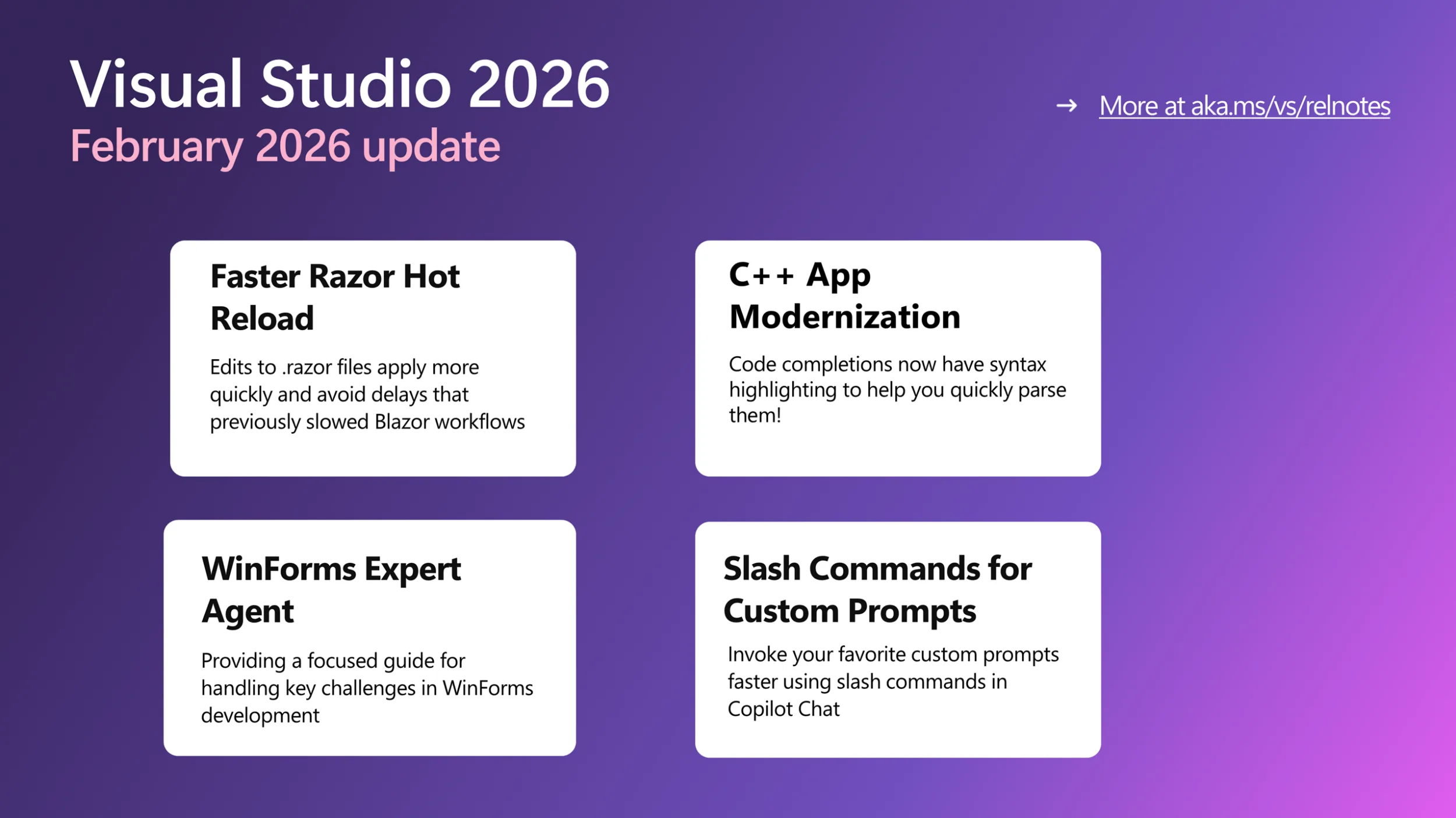
Visual Studio February Update - Visual Studio Blog
This month’s Visual Studio update continues our focus on helping you move faster and stay in flow, with practical improvements across AI assistance,
 devblogs.microsoft.com
Releases · microsoft/vscode
Visual Studio Code. Contribute to microsoft/vscode development by creating an account on GitHub.
 github.com
Downloads:
Download Visual Studio Code - Free AI Code Editor for Mac, Linux, Windows
Download Visual Studio Code for free on Linux, macOS, and Windows. The open source AI code editor for agent-first development, with built-in multi-agent workflows and AI-powered coding.
Download Visual Studio Code Insiders
Get early access to the latest AI agent features in VS Code with the Insiders Build. New builds daily with cutting-edge agent workflows. Available on Mac, Linux, and Windows.