Jimmywds11
New member
- Local time
- 3:00 PM
- Posts
- 3
- OS
- Windows 11
My Computer
At a glance
Windows 114gb
- OS
- Windows 11
- Computer type
- Laptop
- Manufacturer/Model
- DELL XPS 13
- Memory
- 4gb
- Hard Drives
- SSD
- Browser
- Wds 11
Follow along with the video below to see how to install our site as a web app on your home screen.
Note: This feature may not be available in some browsers.
www.elevenforum.com
www.elevenforum.com
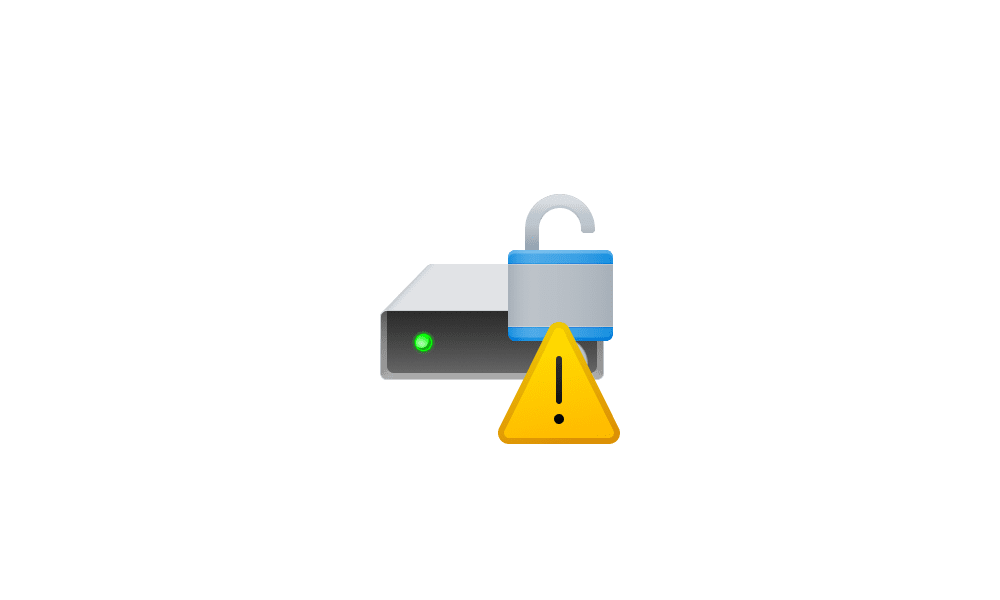
I checked device Encryption , It said "LOCKED" but "icon" still thereThat icon means the drive's contents are encrypted, but the encryption is suspended, so anyone can see them. If you take the laptop out in public, I would leave encryption in place and finish the BitLocker process. If it never leaves your house, or it's just something you don't want to do, then disable BitLocker.
![]()
Suspend or Resume BitLocker Protection for Drive in Windows 11
This tutorial will show you how to suspend (pause) or resume BitLocker protection for a drive encrypted by BitLocker or Device Encryption in Windows 10 and Windows 11. Device Encryption is a Windows feature that enables BitLocker encryption automatically for the Operating System drive and fixed...www.elevenforum.com
![]()
Turn Off BitLocker for Drive in Windows 11
This tutorial will show you how to turn off BitLocker for an encrypted drive in Windows 10 and Windows 11. BitLocker Drive Encryption is a data protection feature that integrates with the operating system and addresses the threats of data theft or exposure from lost, stolen, or inappropriately...www.elevenforum.com
I was thinking about that , since it's home pc .I got this once when installed a second Win11 build in a dual boot. When I booted back into my original OS partition, the hard drives were showing this symbol because Encryption was enabled in the other OS I just installed.
I disabled the encryption in Settings in the newly installed OS and that symbol went away in my original OS..