Solved Wds 11 upgraded..?


Jimmywds11

New member
Local time
1:49 PM
Posts
3
OS
Windows 11
Hi All
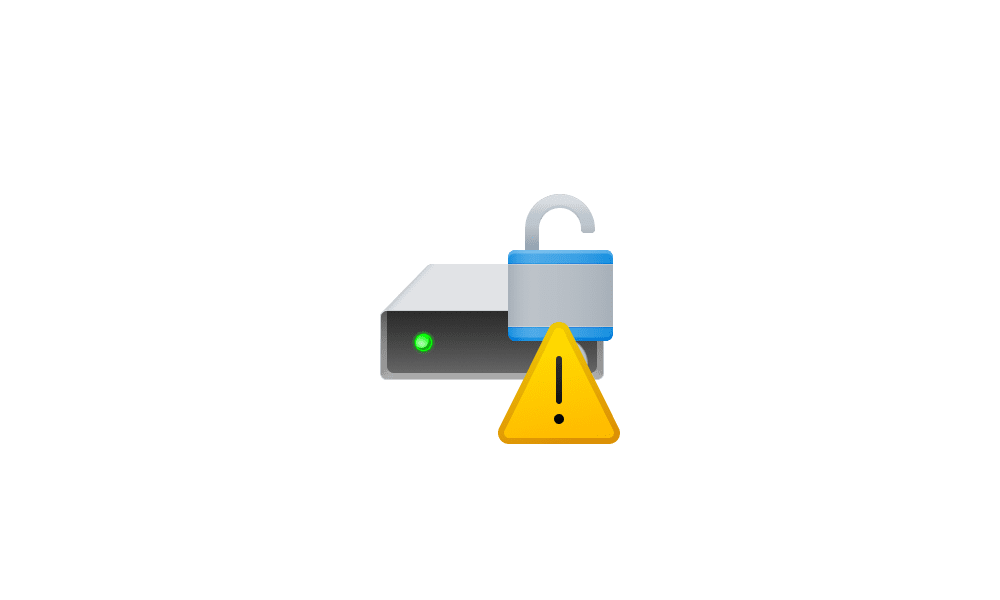
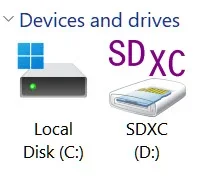
Got Dell XPS 13 with 4gbram &500gb SSD , just upgraded to wds 11 and it hah weird sign on local disk ..
What's wrong .. should I concern ..???
Thanks2025-09-10_7-47-31.webp
 

My Computer My Computer

At a glance

Windows 114gb
OS
Windows 11
Computer type
Laptop
Manufacturer/Model
DELL XPS 13
Memory
4gb
Hard Drives
SSD
Browser
Wds 11
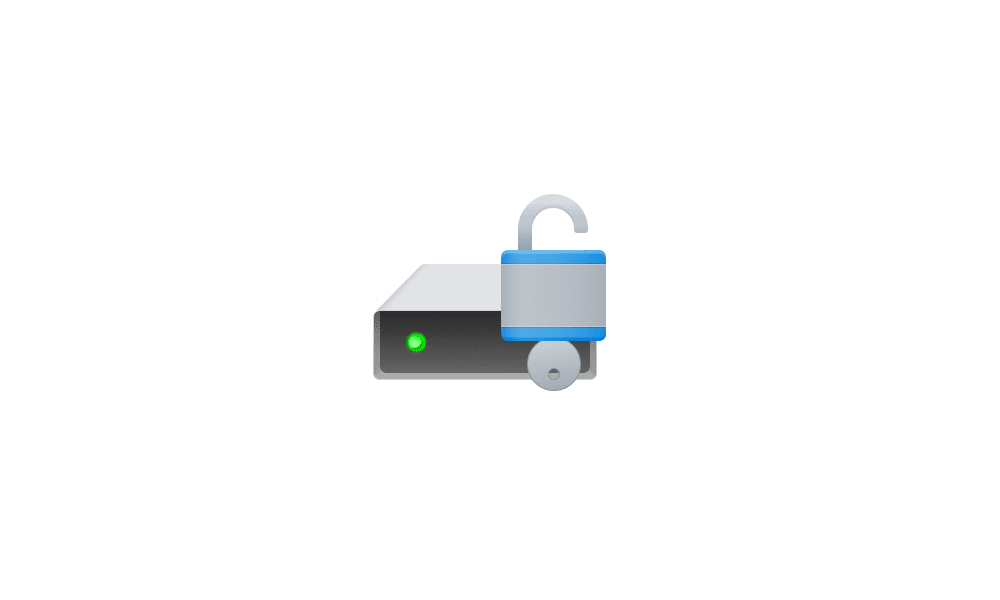
That icon means the drive's contents are encrypted, but the encryption is suspended, so anyone can see them. If you take the laptop out in public, I would leave encryption in place and finish the BitLocker process. If it never leaves your house, or it's just something you don't want to do, then disable BitLocker.


My Computer My Computer

At a glance

Windows 11 Pro 25H212th Gen Core i7-1260P64 GB Micron PC4-25600Intel Iris Xe Graphics
OS
Windows 11 Pro 25H2
Computer type
PC/Desktop
Manufacturer/Model
Intel NUC12WSHi7
CPU
12th Gen Core i7-1260P
Motherboard
NUC12WSBi7
Memory
64 GB Micron PC4-25600
Graphics Card(s)
Intel Iris Xe Graphics
Sound Card
on-board Realtek HD Audio
Monitor(s) Displays
Dell U3219Q
Screen Resolution
3840 x 2160
Hard Drives
Samsung SSD 990 PRO 1TB
Crucial MX500 2 TB
Antivirus
Microsoft Defender
That icon means the drive's contents are encrypted, but the encryption is suspended, so anyone can see them. If you take the laptop out in public, I would leave encryption in place and finish the BitLocker process. If it never leaves your house, or it's just something you don't want to do, then disable BitLocker.


I checked device Encryption , It said "LOCKED" but "icon" still there
Anyway .. it's all good
Thank you Pro ..
 

My Computer My Computer

At a glance

Windows 114gb
OS
Windows 11
Computer type
Laptop
Manufacturer/Model
DELL XPS 13
Memory
4gb
Hard Drives
SSD
Browser
Wds 11
Please open administrative command prompt and copy and paste:

manage-bde -status

Post an image or share link.
 

My Computer My Computer

At a glance

Windows 10Intel(R) Core(TM) i7-4800MQ CPU @ 2.70GHz16 GB Total: Manufacturer : Samsung MemoryTyp...NVIDIA Quadro K3100M; Intel(R) HD Graphics 4600
OS
Windows 10
Computer type
Laptop
Manufacturer/Model
HP
CPU
Intel(R) Core(TM) i7-4800MQ CPU @ 2.70GHz
Motherboard
Product : 190A Version : KBC Version 94.56
Memory
16 GB Total: Manufacturer : Samsung MemoryType : DDR3 FormFactor : SODIMM Capacity : 8GB Speed : 1600
Graphics Card(s)
NVIDIA Quadro K3100M; Intel(R) HD Graphics 4600
Sound Card
IDT High Definition Audio CODEC; PNP Device ID HDAUDIO\FUNC_01&VEN_111D&DEV_76E0
Hard Drives
Model Hitachi HTS727575A9E364
Antivirus
Microsoft Defender
Other Info
Mobile Workstation
I got this once when installed a second Win11 build in a dual boot. When I booted back into my original OS partition, the hard drives were showing this symbol because Encryption was enabled in the other OS I just installed.

I disabled the encryption in Settings in the newly installed OS and that symbol went away in my original OS..
 

My Computer My Computer

At a glance

Win11Pro - 22H2-2621.1555i7-1270032 GB DDR5RTX 3060
OS
Win11Pro - 22H2-2621.1555
Computer type
PC/Desktop
Manufacturer/Model
Lenovo Legion T5 26IAB7
CPU
i7-12700
Memory
32 GB DDR5
Graphics Card(s)
RTX 3060
I got this once when installed a second Win11 build in a dual boot. When I booted back into my original OS partition, the hard drives were showing this symbol because Encryption was enabled in the other OS I just installed.

I disabled the encryption in Settings in the newly installed OS and that symbol went away in my original OS..
I was thinking about that , since it's home pc .
All good
Thanks
 

Attachments

  • 2025-09-10_12-02-50.webp
    2025-09-10_12-02-50.webp
    6.7 KB · Views: 1

My Computer My Computer

At a glance

Windows 114gb
OS
Windows 11
Computer type
Laptop
Manufacturer/Model
DELL XPS 13
Memory
4gb
Hard Drives
SSD
Browser
Wds 11
My laptop has an I3-1215U processor, so it's not super-speedy. Given that fact, I choose to disable Bitlocker. The laptop is never out of my possession, and is only used for the occasional trip. I noticed that my backups took about 25% longer with Bitlocker on the laptop, so I dispensed with it. My desktop computers don't go anywhere, so I don't see the utility of Bitlocker with those.
 

My Computers My Computers

  • At a glance

    Win 11 Pro 25H2, Build 26200.8655Intel Core i5 1450064GB DDR4GeForce RTX 4060
    OS
    Win 11 Pro 25H2, Build 26200.8655
    Computer type
    PC/Desktop
    Manufacturer/Model
    Home Brew
    CPU
    Intel Core i5 14500
    Motherboard
    Gigabyte B760M G P WIFI
    Memory
    64GB DDR4
    Graphics Card(s)
    GeForce RTX 4060
    Sound Card
    Chipset Realtek
    Monitor(s) Displays
    LG 45" Ultragear, Acer 24" 1080p
    Screen Resolution
    5120x1440, 1920x1080
    Hard Drives
    Crucial P310 2TB 2280 PCIe Gen4 3D NAND NVMe M.2 SSD (O/S)
    Silicon Power 2TB US75 NVMe PCIe Gen4 M.2 2280 SSD (backup)
    Crucial BX500 2TB 3D NAND (2nd backup)
    Seagate 4TB Ironwolf, rotating HDD archive files
    External off-line backup Drives: 2 NVMe 4TB drives in external enclosures
    PSU
    Thermaltake Toughpower GF3 750W
    Case
    LIAN LI LANCOOL 216 E-ATX PC Case
    Cooling
    Lots of fans!
    Keyboard
    Microsoft Comfort Curve 2000
    Mouse
    Logitech G305
    Internet Speed
    Verizon FiOS 1GB
    Browser
    Firefox
    Antivirus
    Malware Bytes & Windows Defender Security
  • At a glance

    Win 11 Pro 25H2, Build 26200.8524Intel Core i5 1440032GB DDR5Intel 700 Embedded GPU
    Operating System
    Win 11 Pro 25H2, Build 26200.8524
    Computer type
    PC/Desktop
    Manufacturer/Model
    Home Brew
    CPU
    Intel Core i5 14400
    Motherboard
    Gigabyte B760M DS3H AX
    Memory
    32GB DDR5
    Graphics card(s)
    Intel 700 Embedded GPU
    Sound Card
    Realtek Embedded
    Monitor(s) Displays
    27" HP 1080p
    Screen Resolution
    1920x1080
    Hard Drives
    Crucial P310 2TB 2280 PCIe Gen4 eD NAND PCIe SSD
    Samsung EVO 990 2TB NVMe Gen4 SSD
    Samsung 2TB SATA SSD
    PSU
    Thermaltake Smart BM3 650W
    Case
    Okinos Micro ATX Case
    Cooling
    Fans
    Keyboard
    Microsoft Comfort Curve 2000
    Mouse
    Logitech G305
    Internet Speed
    Verizon FiOS 1GB
    Browser
    Firefox
    Antivirus
    Malware Bytes & Windows Defender Security

Latest Support Threads

Back
Top Bottom