Microsoft Copilot Blog:
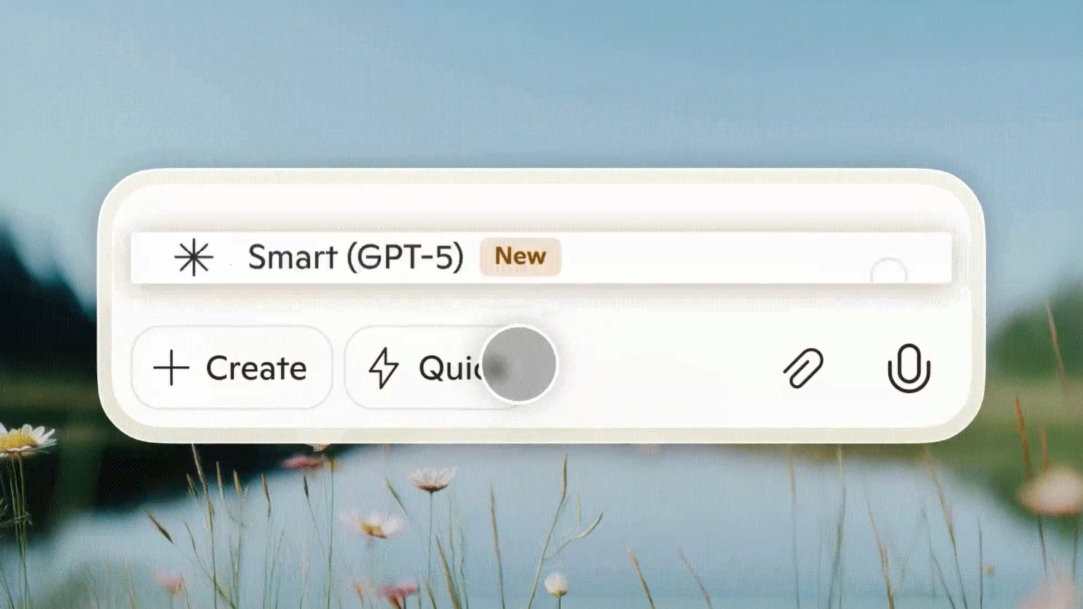
GPT-5—the most advanced AI model from OpenAI— is now available in Microsoft Copilot, and it’s a game-changer. Without any extra cost or manual setup, you can now benefit from smarter, safer, and more personalized AI experiences across Copilot and Microsoft 365, with no manual model selection. Whether you're writing, coding, analyzing data, or collaborating, Copilot powered by GPT-5 delivers better results at no extra cost to you.
Key features of GPT-5 for Copilot
What does this new AI model mean for you? With Copilot now powered by GPT-5, you can now enjoy the following features:Real-time model routing
GPT-5 introduces real-time model routing, allowing Copilot to automatically choose the best model for each task. Simple queries get fast, succinct responses through GPT-5's high-throughput model, while complex tasks receive deeper, more thoughtful answers with GPT-5's deeper reasoning model. No need to toggle between “standard” or “thinking” modes—Copilot does the thinking for you.Massive context windows
GPT-5 dramatically expands Copilot's ability to understand and retain context. It can now process entire documents, multi-hour meetings, and large codebases without losing track of details. This means smoother workflows and more coherent assistance across long-form content.Improved coding performance
Developers and technical users will appreciate GPT-5’s enhanced coding capabilities. From generating cleaner code to debugging and executing multi-step workflows, Copilot is now a more reliable and intuitive coding partner. You can enjoy better UI, better code, and better explanations—designed for every level.Enhanced safety
GPT-5 introduces safe completions, offering more nuanced and informative responses that also outline any limitations to your prompts. Instead of blunt refusals, Copilot now explains limitations clearly, making interactions more transparent and user-friendly. With GPT-5 powering your AI companion, you get safer outputs that explain themselves and fewer abrupt refusals.Natural connection to your workflow
Microsoft 365 Copilot connectors provide a platform for you to ingest your unstructured, line-of-business data into Microsoft Graph, so that Microsoft 365 Copilot can reason over the entirety of your enterprise content. With improved voice capabilities and expanded support for Copilot Connectors, GPT-5 helps Copilot feel more integrated into your daily workflow. Customize how Copilot communicates and syncs with your apps—effortlessly.
AI art created via Copilot
Benefits of GPT-5 in Copilot
With GPT-5 powering Copilot, you can enjoy these benefits when chatting with your AI companion:- Effortless intelligence: Copilot works smarter behind the scenes; you don’t need to manage model selection.
- Handles bigger workflows: Long documents, codebases, and chats stay in context.
- Better code, faster: Copilot is a more reliable coding partner, with cleaner suggestions and clearer explanations.
- Friendly and safe collaboration: Safer prompt handling and more human-like communication styles.
- Even more personalized: Copilot adapts to your preferences and workflow.
How to access GPT-5 in Copilot
GPT-5 is rolling out now across Microsoft 365 Copilot. No admin action is needed, and existing compliance and privacy controls remain unchanged. Read more:
What’s New with GPT-5 in Copilot| Microsoft Copilot
GPT-5 is now in Copilot—smarter, safer, and more personal AI with no setup required. Discover what’s new and how it helps you work better.