- Local time
- 2:36 PM
- Posts
- 119
- OS
- Windows 11 Pro
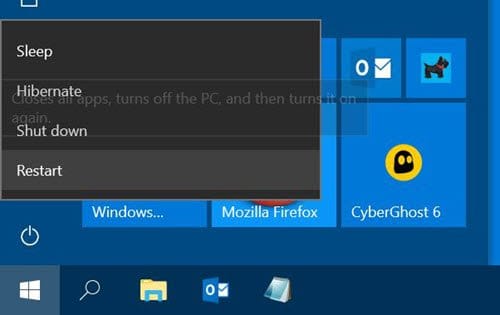
When I put my PC to sleep and then turn it on and wake it, the start menu always automatically opens like this.

How can I fix the issue and stop windows menu from automatically open from waking?
EDIT: Added windows build/version
How can I fix the issue and stop windows menu from automatically open from waking?
EDIT: Added windows build/version
- Windows Build/Version
- 23H2/OS Build 22361.3085
Last edited:
My Computer
At a glance
Windows 11 ProIntel® Core™ i9-14900KF Processor32 GB DDR5-5200MHzNVIDIA GeForce RTX 4070 Ti
- OS
- Windows 11 Pro
- Computer type
- PC/Desktop
- Manufacturer/Model
- iBUYPOWER/MSI
- CPU
- Intel® Core™ i9-14900KF Processor
- Motherboard
- MSI PRO Z790-P WIFI
- Memory
- 32 GB DDR5-5200MHz
- Graphics Card(s)
- NVIDIA GeForce RTX 4070 Ti