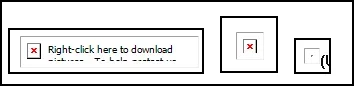
I have a slightly odd and annoying issue in that Outlook 2024 (part of Office 2024 - not the free desktop product) will not display images when first started. Closing and restating the program does not work. Running as an administrator does not work. The only thing that seems to work is restarting the PC, whereupon it is fine.
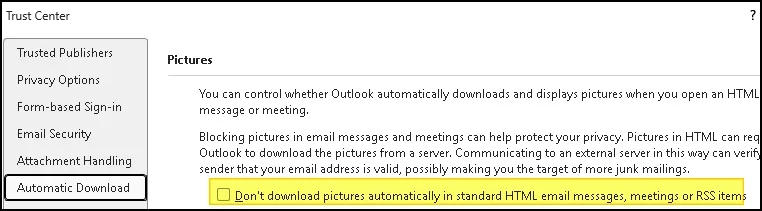
I have obviously unchecked the Trust Centre boxes, disabled enhanced security etc. Disabling add-ins and turning off AVG makes no difference.
I cannot believe I am the only one with this issue. It is only happening on one of my PCs, the others are similar config (setup and programs etc) and they are fine.
If anyone has any ideas it would be greatly appreciated.
Matt
I have obviously unchecked the Trust Centre boxes, disabled enhanced security etc. Disabling add-ins and turning off AVG makes no difference.
I cannot believe I am the only one with this issue. It is only happening on one of my PCs, the others are similar config (setup and programs etc) and they are fine.
If anyone has any ideas it would be greatly appreciated.
Matt
My Computer
At a glance
11i9-12900KF32GBNVIDIA GeForce RTX 4090
- OS
- 11
- Computer type
- PC/Desktop
- Manufacturer/Model
- Cyberpower
- CPU
- i9-12900KF
- Motherboard
- Mag Z790 Tomahawk Wifi
- Memory
- 32GB
- Graphics Card(s)
- NVIDIA GeForce RTX 4090
- Sound Card
- Built in
- Monitor(s) Displays
- 57" G95NC Odyssey Neo G9 240Hz Dual UHD Monitor
- Screen Resolution
- 7680 x 2160
- Hard Drives
- SSDs