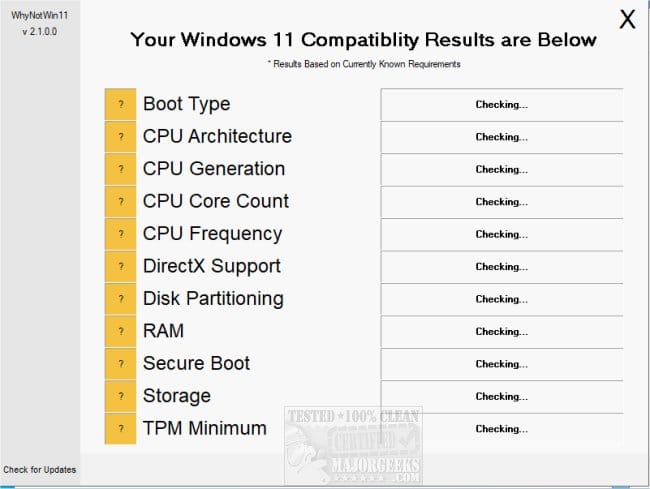
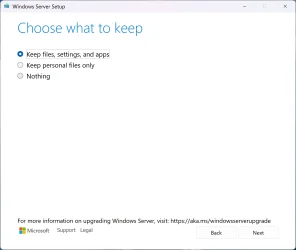
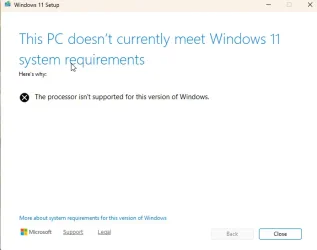
I installed Windows 11 Update on one of my old PCs. I thought it was ok because I allowed the install for computers not compatible with Win 11. But when I tried to do windows updates, it gave me an error message like you see below. Any suggestions?
My Computer
At a glance
Windows 11 25H211th Gen Intel(R) Core(TM) i7-1165G7 @ 2.80GH...16.0 GB (15.6 GB usable)2 GB
- OS
- Windows 11 25H2
- Computer type
- PC/Desktop
- Manufacturer/Model
- HP
- CPU
- 11th Gen Intel(R) Core(TM) i7-1165G7 @ 2.80GHz (2.80 GH
- Memory
- 16.0 GB (15.6 GB usable)
- Graphics Card(s)
- 2 GB
- Monitor(s) Displays
- 17in
- Keyboard
- wireless
- Mouse
- wireless
- Antivirus
- Norton 365