- Local time
- 12:56 AM
- Posts
- 109
- OS
- Windows 11 Pro latest
1) Do you have the latest bios ?
 www.asus.com
2) Do you have the latest firmware for the nvme?
-https://www.techpowerup.com/forums/threads/wd-sn580-firmware-and-conflict-with-win11-24h2.328618/
3) Did you made cmos reset with pins so the motherboard to redetect the uefi gop from gpu and efi partition
4) the nvme is the only drive and use the windows default driver?
5) original from you " The only thing I did was change the graphics VBIOS switch once when the system was off, and the system wouldn't boot"
It seems to me some partition is dirty or at least windows think it.
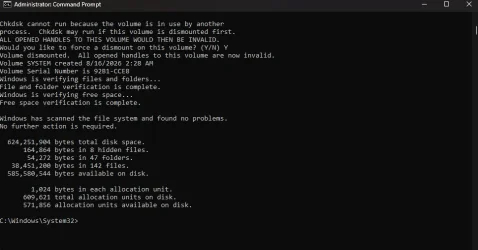
Remove all disks and scan all partitions in nvme with checkdisk.
Even if you recreate the EFI and MSR partitions it dont fix it even in my case because it seems that in the windows partition somewhere writes something that stuck and it cant be fixed even with windows repair from windows update.
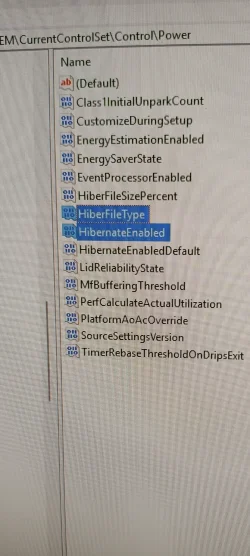
Are you sure in registry have only the two reg files i mention with hyberfilesizepercent=0.
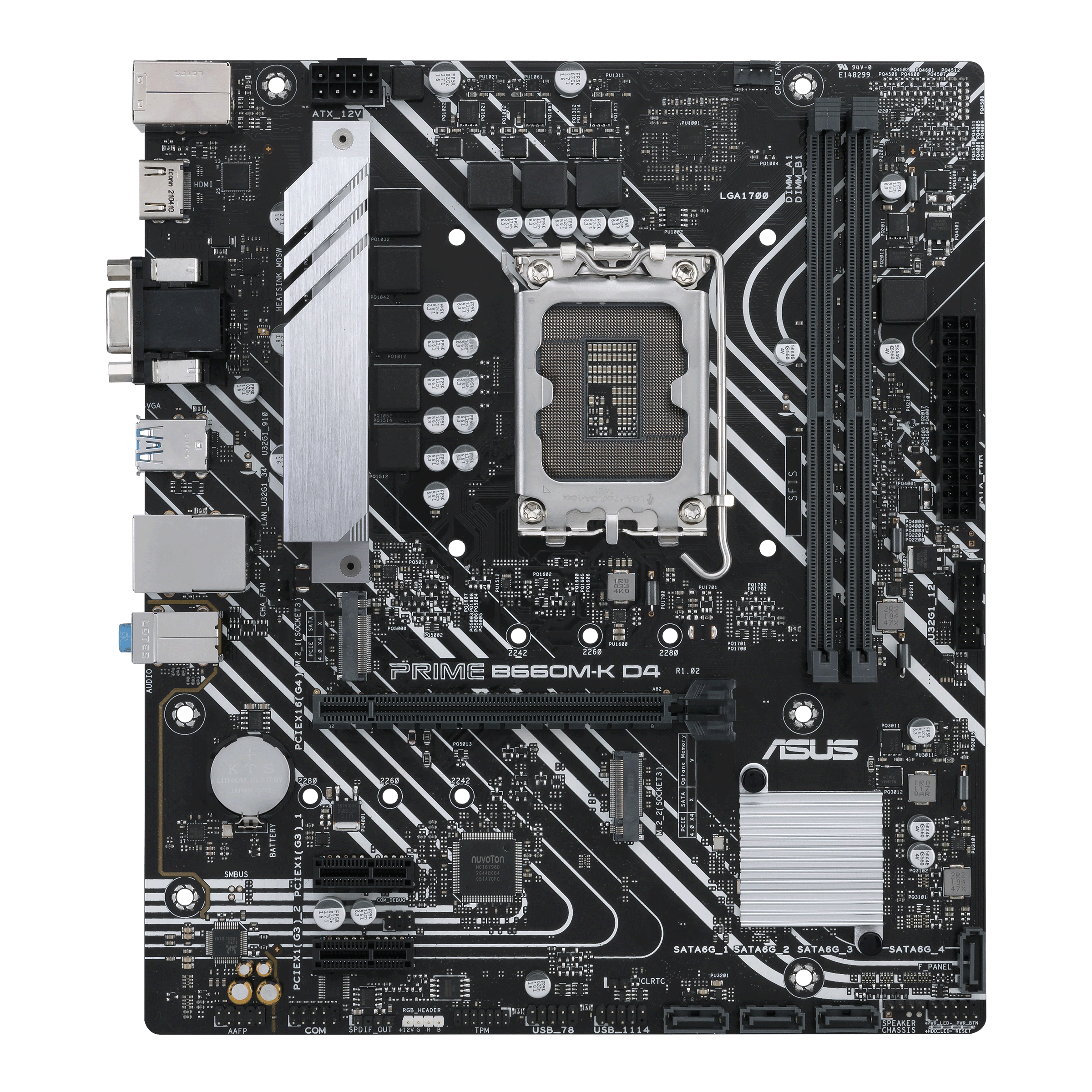
PRIME B660M-K D4|Motherboards|ASUS Global
ASUS Prime B660M-K D4 Intel® B660 (LGA 1700) mATX motherboard features PCIe® 4.0, DDR4, two M.2 slots, front panel USB 3.2 Gen 1, Realtek 1Gb Ethernet. Prime B660M-K D4 caters to daily users and all builders looking for well-rounded specs and a range of options for performance tuning via...
www.asus.com
2) Do you have the latest firmware for the nvme?
-https://www.techpowerup.com/forums/threads/wd-sn580-firmware-and-conflict-with-win11-24h2.328618/
3) Did you made cmos reset with pins so the motherboard to redetect the uefi gop from gpu and efi partition
4) the nvme is the only drive and use the windows default driver?
5) original from you " The only thing I did was change the graphics VBIOS switch once when the system was off, and the system wouldn't boot"
It seems to me some partition is dirty or at least windows think it.
Remove all disks and scan all partitions in nvme with checkdisk.
Even if you recreate the EFI and MSR partitions it dont fix it even in my case because it seems that in the windows partition somewhere writes something that stuck and it cant be fixed even with windows repair from windows update.
Are you sure in registry have only the two reg files i mention with hyberfilesizepercent=0.
My Computers
-
At a glance
Windows 11 Pro latestAMD Ryzen 5 5700x32 gb 3200 mhz xmp (4x8)msi rtx3060 8gb- OS
- Windows 11 Pro latest
- Computer type
- PC/Desktop
- CPU
- AMD Ryzen 5 5700x
- Motherboard
- Msi b550 gaming gen3
- Memory
- 32 gb 3200 mhz xmp (4x8)
- Graphics Card(s)
- msi rtx3060 8gb
- Sound Card
- Audigy RX
- Monitor(s) Displays
- Philips 222V8LA/00
- Screen Resolution
- 1980x1080
- Hard Drives
- MX500 Crucial
- PSU
- corsair cv 750
- Case
- q-tech
- Cooling
- amd wraith stealth
- Keyboard
- k81 gigabyte force
- Mouse
- zeroground daito
- Internet Speed
- 100-10
- Browser
- Mozilla
- Antivirus
- Windows defender
-
At a glance
windows 11 pro latesti5-2520M8Gb ddr3 1333 mhzhd3000- Operating System
- windows 11 pro latest
- Computer type
- Laptop
- Manufacturer/Model
- Lenovo T420
- CPU
- i5-2520M
- Memory
- 8Gb ddr3 1333 mhz
- Graphics card(s)
- hd3000
- Sound Card
- on board
- Screen Resolution
- 1366x768
- Hard Drives
- Team group lite 3d 240gb
- Internet Speed
- 100-10
- Antivirus
- defender