<!--
******************************************************************************************************************
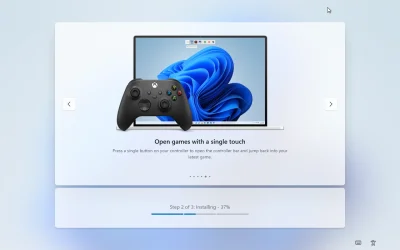
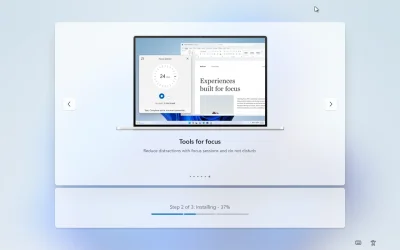
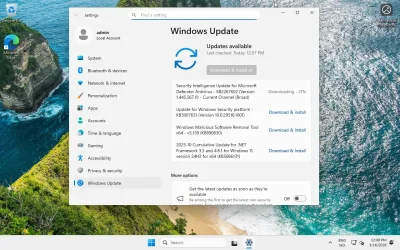
* This command disables all network adapters. Use this to prevent ALL updates from being installed during setup. *
* Note that if you use the option to block Quality updates and create a clean Start screen with minimal pins, *
* then ZDP updates are not blocked. This should not be a big deal because they are small and install quickly, *
* but you can use this option either with or without that option to ensure that all updates are blocked. Note *
* that if you use this option you should also use the option to re-enable the network adapters before the *
* Desktop is presented to the user to restore normal operation. *
******************************************************************************************************************
-->
<RunSynchronousCommand wcm:action="add">
<Order>1</Order>
<Path>powershell.exe -Command "Get-NetAdapter | ForEach-Object { Disable-NetAdapter -Name $_.Name -Confirm:$false }"</Path>
</RunSynchronousCommand>