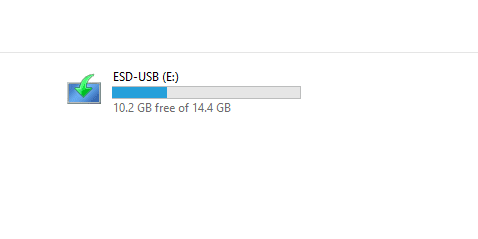
I've done it as long as the drive no longer needed the original label but not for the bootable USB drive created by the MCT/Media Creation Tool.
I like to use the capacity of the drive like 8GB so it shows in File Explorer without having to eject it just to see what is printed on the drive. I do the same with External USB drives. The label can be up to about 11 or maybe 13 characters and some characters are prohibited like \, /, ? but usually an error message about that. It can be done in File Management or Command Prompt.




 Accessibility Enable or Disable Keep Mouse Indicator Visible until Dismissed in Windows 11
 Windows Update Reset Windows Insider Program Settings to Default in Windows 11
 System Change Schedule Settings to Automatically Optimize Drives in Windows 11
 Privacy and Security Remove All Automatically Added Search Index Locations in Windows 11