Microsoft 365 Insider Blog:
Hi, Microsoft 365 Insiders! I’m Jenny Ye, a Product Manager on the Word team. I’m excited to share an update to Word for the web, Word for Windows, and Word for Mac that makes it easier to add hyperlinks to your documents.
Add links to text faster in Word
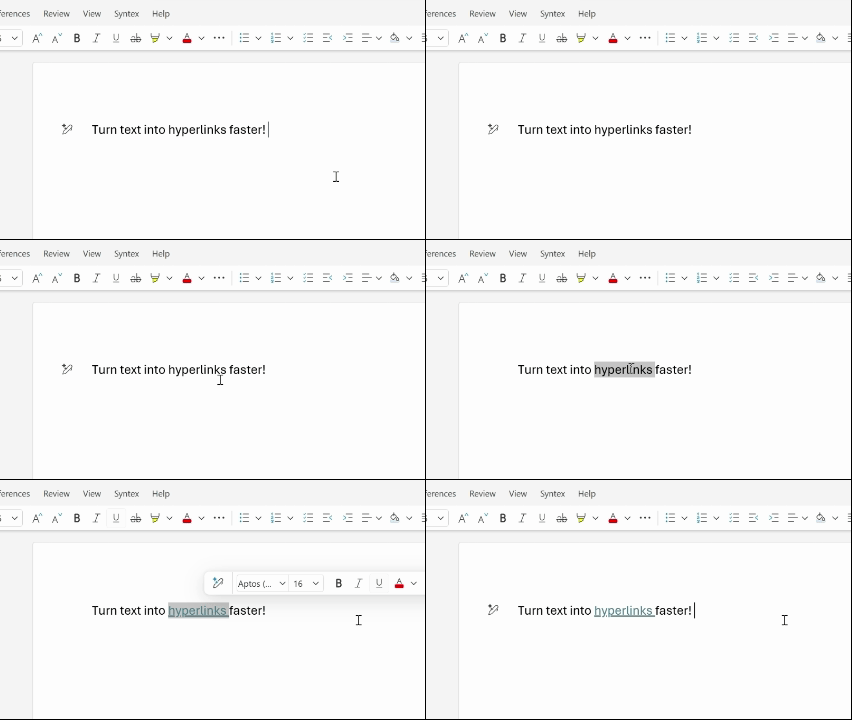
We believe that tasks you do every day in Word, like hyperlink text, should feel effortless – which is why we’ve made the whole process a lot quicker. Now, you can simply highlight a word or phrase and paste the link directly onto it, and this will automatically add a hyperlink. Whether you’re sharing resources with your team or citing articles in a report, this feature helps you stay in the flow by reducing clicks and letting you focus on your words instead of formatting.How it works
- In a browser, copy the link you want to include in your document.
- In Word for the web, Word for Windows, or Word for Mac, select the text you want to add the link to, and then paste the hyperlink.
Availability
This feature is available to all Word for the web users, and rolling out to users running:- Windows: Version 2511 (Build 19530.20006) or later.
- Mac: Version 16.104 (Build 25120915) or later.
Feedback
We’re always looking for ways to help you work smarter, so let us know what you think of this new feature! Please submit your comments by selecting Help > Feedback in the app and using the hashtag #overpaste in your feedback! Source:
Add links to text faster in Word
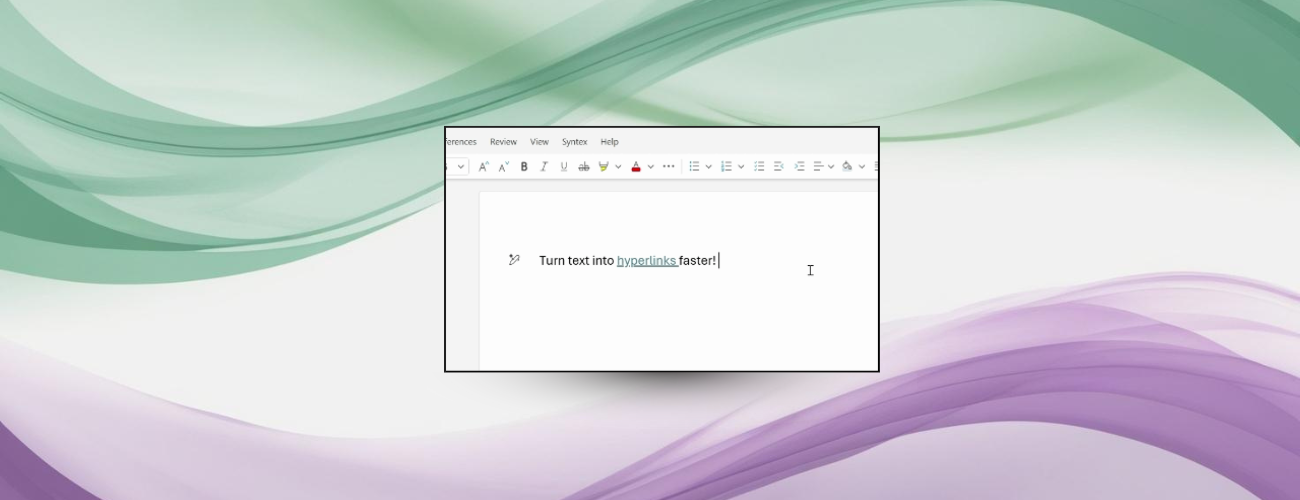
Paste your link onto selected text and Word automatically adds a hyperlink.
 techcommunity.microsoft.com