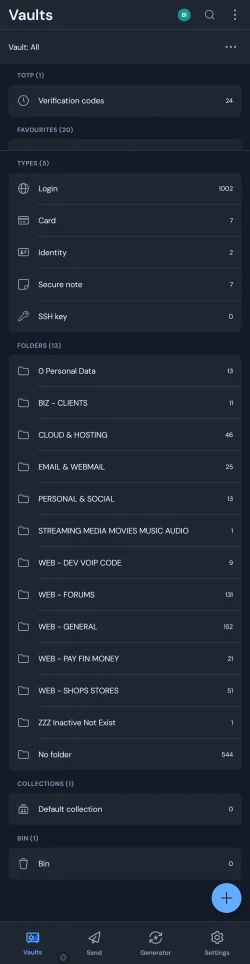
I just use Copy and Paste. Copy the code, paste to Bitwarden. Then copy the verification # and you're done.manually input 32 digits sounds a real PITA
Plus when you later log in to websites, Bitwarden automatically copies the OTP code to the clipboard, so Ctrl-V and no messing around with unlocking your phone, unlocking apps, etc.

My Computers
-
At a glance
w11i7-12700H64GB DDR4Something big I will never take advantage of!- OS
- w11
- Computer type
- Laptop
- Manufacturer/Model
- Gigabyte Aero 17
- CPU
- i7-12700H
- Memory
- 64GB DDR4
- Graphics Card(s)
- Something big I will never take advantage of!
- Monitor(s) Displays
- 17.3" 4K UHD
- Browser
- Yandex Browser (10x better than Chrome!) or Brave
- Antivirus
- Defender + WFC
-
At a glance
W11Celeron N509516GB DDR4- Operating System
- W11
- Computer type
- Laptop
- Manufacturer/Model
- AliExpress
- CPU
- Celeron N5095
- Memory
- 16GB DDR4
- Antivirus
- ESET + WFC