Hi, welcome to the forum.
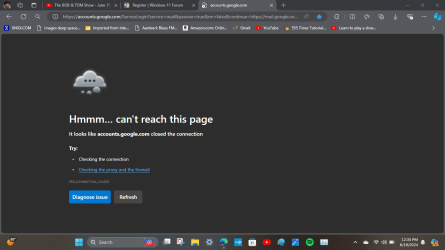
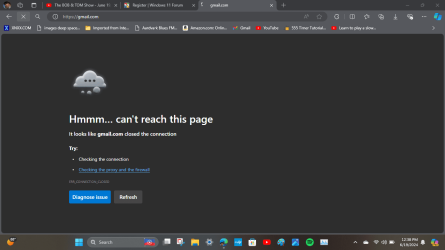
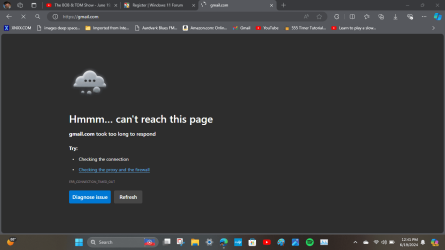
All your screenshots are Google/Gmail issues. Perhaps Google was down, perhaps the shortcuts you have are corrupt? Perhaps you have an issue with your connection to Google/Gmail
Have you opened any of these links since posting here? Can you open these links in another browser? Bing is not a browser, it is a search engine that you can acess from any browser including Microsoft Edge.
If you can not open any of these links in any browser, I would suggest as a start, you check your host file:
Please note:, the Host file can not have read only checked or you will not be able to edit the Host file.
To check this, navigate to C:\Windows\System32\Drivers\etc and right click on the file called “Hosts”
At the bottom of the open box, make sure “Read Only” isn't checked. If it is, uncheck it and save.
- In your taskbar or start menu search function, type Notepad to find it. Right-click on Notepad and select Run as administrator.
- Once in Notepad, go to File -> Open. Navigate to C:\Windows\System32\Drivers\etc and make sure to have All Files selected (at the bottom) to find/see the Hosts file.
3. Now you can edit the Hosts file. Open the Hosts file and search the content for any entry related to Google or Gmail
4. If found, delete the whole line, save the file and close it