- Local time
- 5:53 PM
- Posts
- 2
- OS
- f
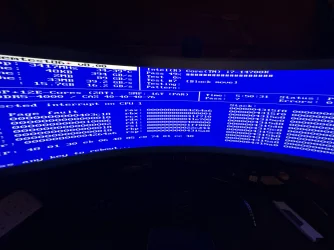
Hi, I have been having issues with my pc crashing every 6 hours for a while, and have not been able to diagnose the issue.
I have ran memory diagnostics, driver verifier, tried undervolting cpu, reseating cpu, swapping out ram all to no avail.
It crashes every 6 hours on the dot, and upon restarting it will crash or freeze soon after, and only functions properly when completely the PSU is turned off and restarted.
it is usually always a ntoskrnl.exe error, and occurs even when idle.
any guidance at all would be appreciated.
 drive.google.com
I have ran memory diagnostics, driver verifier, tried undervolting cpu, reseating cpu, swapping out ram all to no avail.
It crashes every 6 hours on the dot, and upon restarting it will crash or freeze soon after, and only functions properly when completely the PSU is turned off and restarted.
it is usually always a ntoskrnl.exe error, and occurs even when idle.
any guidance at all would be appreciated.
DESKTOP-PUV764F-(2026-05-06_19-27-51) - Google Drive
drive.google.com
- Windows Build/Version
- windows 11 25h2
My Computer
At a glance
f
- OS
- f
- Computer type
- PC/Desktop
- Manufacturer/Model
- Custom