Correcting accidentally mapped key strokes


Michael45

New member
Local time
11:20 AM
Posts
1
OS
Windows 11
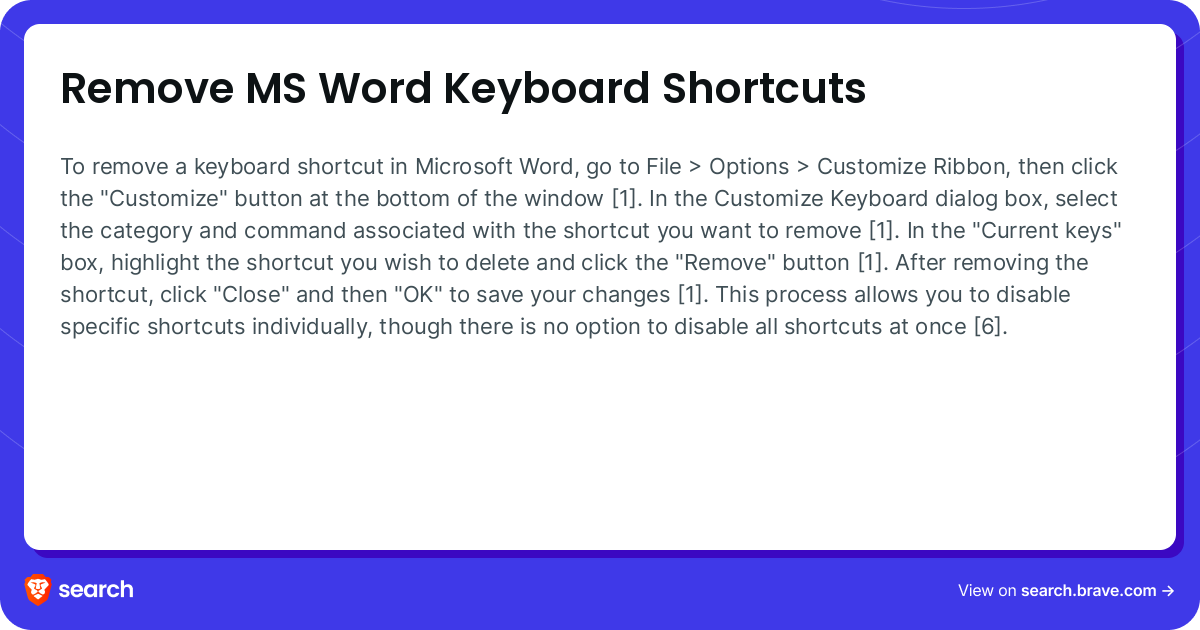
Somehow, by accident, I have mapped the keystrokes i + s + Space to bring up the character Ç This only seems to be a problem in MS Word.

I can’t find a way of unassigning these key strokes and not being able to type the word "is" creates a major problem. Help please
 

My Computer

System One

  • OS
    Windows 11
    Computer type
    PC/Desktop
    Manufacturer/Model
    Asus
Somehow, by accident, I have mapped the keystrokes i + s + Space to bring up the character Ç This only seems to be a problem in MS Word.

I can’t find a way of unassigning these key strokes and not being able to type the word "is" creates a major problem. Help please
Check the link below for a possible solution;
 

My Computer

System One

  • OS
    Windows 11 Professional
    Computer type
    PC/Desktop
    Manufacturer/Model
    Microcenter B677
    CPU
    Intel Core i5-9400
    Motherboard
    ASRock H310CM-HDV/M.2
    Memory
    32GB
    Graphics Card(s)
    Integrated Intel UHD Graphics 630
    Sound Card
    Intel Kaby Lake - High Definition Audio / cAVS (Audio, Voice, Speech) [A0]
    Monitor(s) Displays
    LG Model: GSM59F1
    Screen Resolution
    2560x1080
    Case
    Lian Li 205M
    Antivirus
    Kaspersky AV
Back
Top Bottom