- Local time
- 2:05 AM
- Posts
- 82
- OS
- Windows 11 Pro 25H2
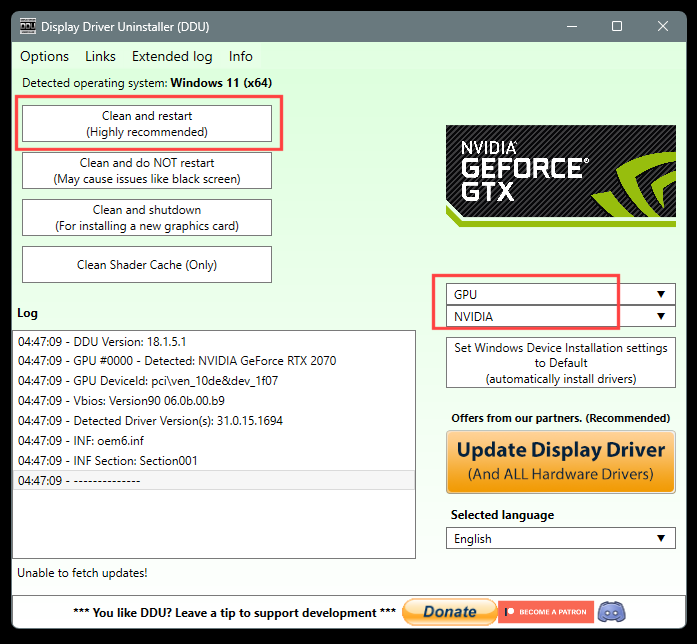
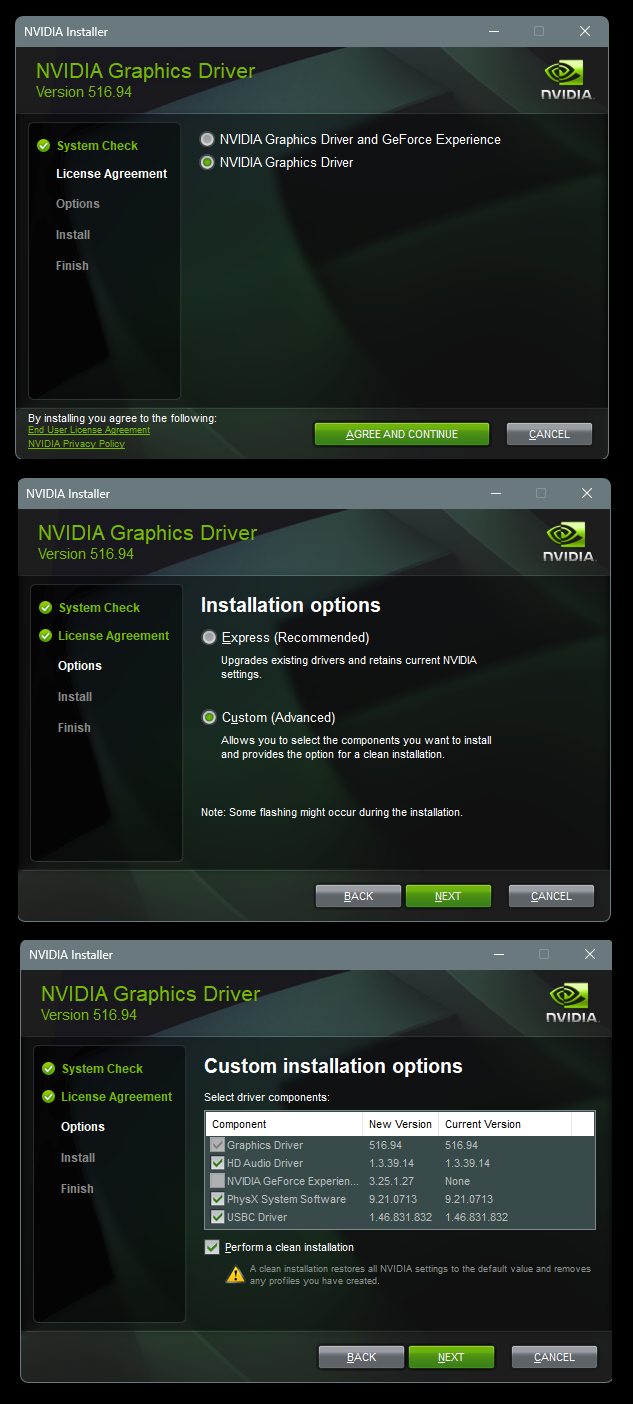
After 20 years of random problems being caused by bad updates, this is my solution:
View attachment 177650
This stops windows from changing things in the background, as the changes are constant and inevitably lead to something not working...
Not sure what I'm looking at exactly lol?
My Computer
At a glance
Windows 11 Pro 25H2i7 12700k64GB DDR5 [CMK64GX5M2B5200C40]MSI 4060 2x Ventus 8G
- OS
- Windows 11 Pro 25H2
- Computer type
- PC/Desktop
- Manufacturer/Model
- DIY
- CPU
- i7 12700k
- Motherboard
- 7E07vMA [Z790 Pro Max Wifi]
- Memory
- 64GB DDR5 [CMK64GX5M2B5200C40]
- Graphics Card(s)
- MSI 4060 2x Ventus 8G
- Sound Card
- Realtek® ALC4080 Codec
- Monitor(s) Displays
- ASUS VA24DQSB
- Screen Resolution
- 1920x1080 @ 75hz
- Hard Drives
- Samsung 980 Pro 1TB (OS Drive)
Samsung 980 Pro 2TB (Secondary Drive)
Samsung 980 Pro 1TB (Other)
Samsung 860 Pro 512 (Other)
WD6400AAKS (Other)
- PSU
- Corsair 850x
- Cooling
- Noctua NH-D15
- Mouse
- G502 X Lightspeed
- Browser
- Chrome, Firefox
- Antivirus
- Malwarebytes Premium, Defender