- Local time
- 9:49 PM
- Posts
- 188
- OS
- Windows 11 Pro X64 Version 25H2 Build 260200.6901
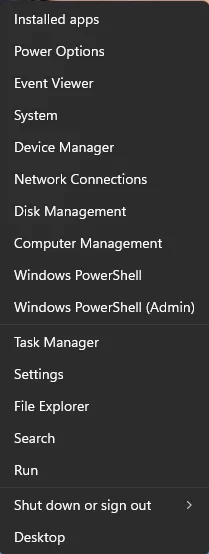
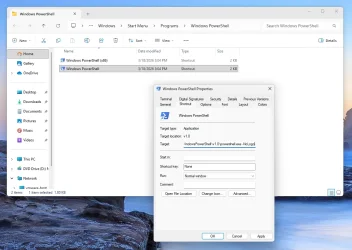
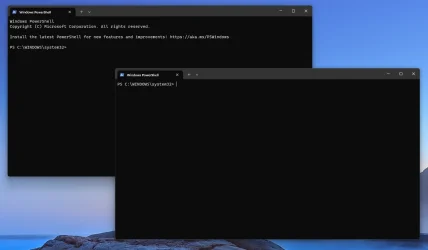
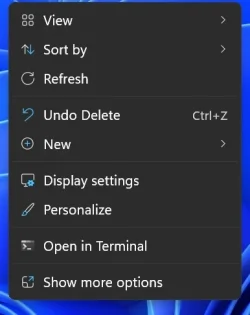
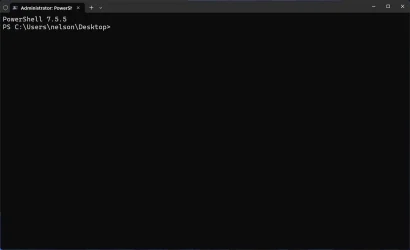
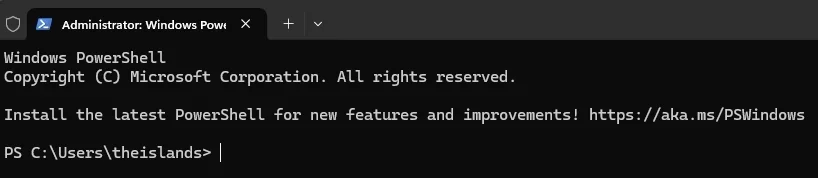
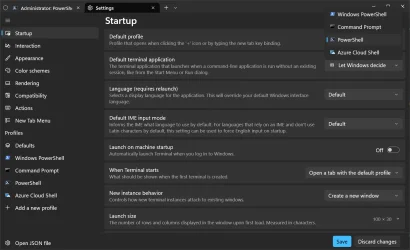
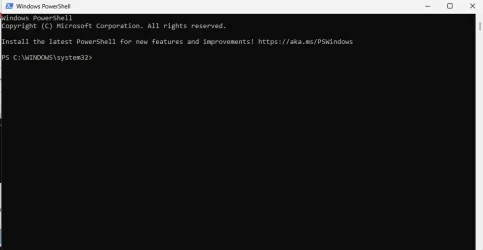
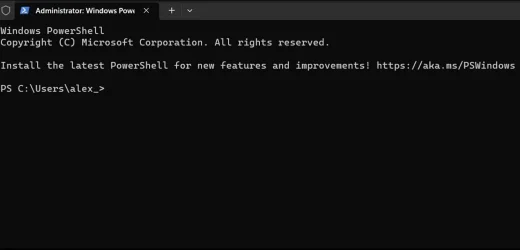
i am using windows powershell and wan't to get rid of the message that appears Install the latest PowerShell for new features and improvements! Windows PowerShell update message FAQ - PowerShell but i can't open up settings because i don't have the plus or arrow showing first image is mine second image is what i don't have appear when i open powershell
- Windows Build/Version
- 26200.8037
Attachments
My Computer
System One
-
- OS
- Windows 11 Pro X64 Version 25H2 Build 260200.6901
- Computer type
- PC/Desktop
- Manufacturer/Model
- Custom Build
- CPU
- Intel(R) Core(TM) i5-8400 CPU @ 2.80GHz
- Motherboard
- ASROCK B360M Pro4
- Memory
- 24GB
- Graphics Card(s)
- NVIDIA GeForce GTX 960
- Sound Card
- Realtek(R) Audio 6.0.9231.1
- Monitor(s) Displays
- Generic Monitor (Dell S2721HN)
- Screen Resolution
- 1920x1080
- Hard Drives
- CT240BX500SSD1
EDILOCA ES106 500GB
SATA SDD
- Keyboard
- TECKNET Wired Gaming Keyboard Model TK-B002
- Mouse
- Logitech G203 LIGHTSYNC Gaming Mouse
- Browser
- Firefox/Chrome
- Antivirus
- Malwarebytes