No need to keep it offline. Windows 10 Windows Defender is regularly updated with virus definitions, the same that are for Windows 11 Defender. Windows 10 32-bit can be installed on any 32-bit CPU Intel socket 775 or newer, as soon as the motherboard supports NX/PAE and it is enabled in BIOS. Some very old systems might have to install v1803 or older first and then upgrade to 22H2. No problem about drivers. If there are no Windows 10 32-bit drivers, you can install Windows 8 32-bit or 7 or even Vista 32-bit. I have done it for very old systems without issues. If you disable all visual effects (transparency, animations, fades) and all useless startup applications performance is comparable to Windows 7 32-bit.
For comparison I run Windows 10 Pro 22H2 32-bit on an HP Stream 7 tablet (Intel Atom Z series, 1GB RAM, 32GB eMMC, Intel onboard graphics). Yes, it is a little slow, but with some patience I can watch standard definition videos and even Netflix and Disney Plus if I set the quality to standard definition. I can browse the internet, read the forum and even play some light games. I wish I still had my old Acer Aspire One netbook, but I sold it because I needed some money back then. With 2GB RAM and 120GB SSD it would be much faster than my tablet.
PS: Windows 7 SP1 32-bit is a little trickier to use, but once you install all updates you can keep Microsoft Security Essentials updated (same definition updates as Windows 10/11 Defender) and use R3DFOX for browsing. You wouldn't see any noticeable difference in performance compared to Windows 10 32-bit with the visual effects turned off and the startup applications disabled, so I would insist on running Windows 10 32-bit to be as modern as possible and maximize compatibility with current hardware and software. Plus you have access to Microsoft Store games and apps. I find modern Microsoft Mahjong nicer than good old Mahjong Titans. Same for other games.

www.ventoy.net

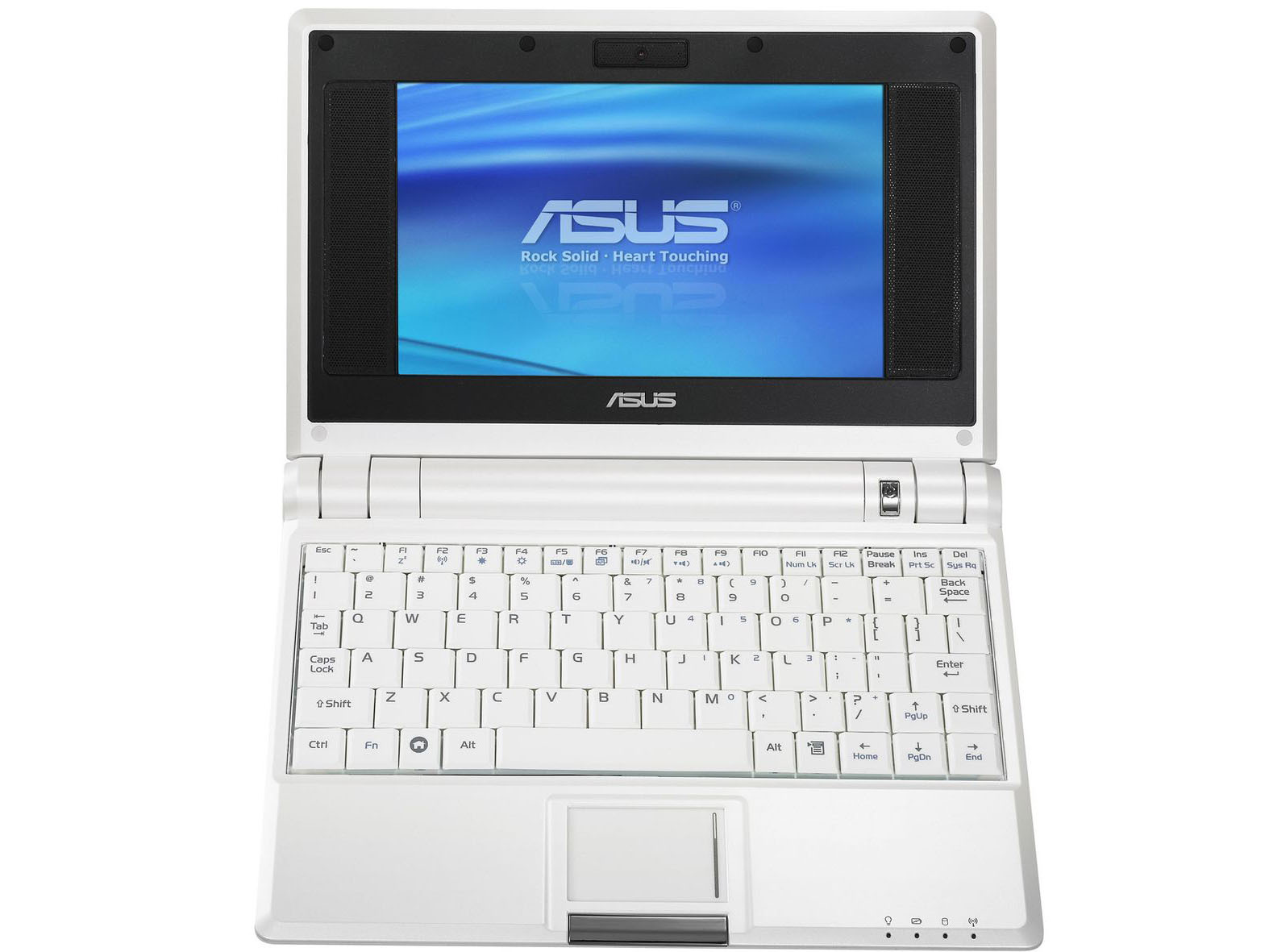
 Of the netbooks I have (which I am fond of) that won't run windows 11, my 10" one is on Windows 10 ESU and quite usable, and a 9" one is also on Windows 10 esu (but very slow ........). I have three 7" Eee Pc's which have had various forms of linux on for years. And now all 32 bit linuxes are finished - except Debian until 2028. So I thought I'd have a go at installing that on them. And it's worked quite well. It was tedious and a fiddle to install and get set up but they now look a plain version of windows xp/windows 7. And they work.