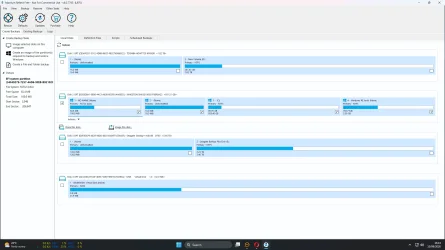
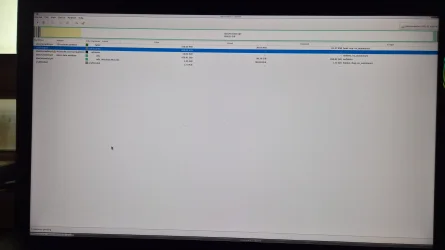
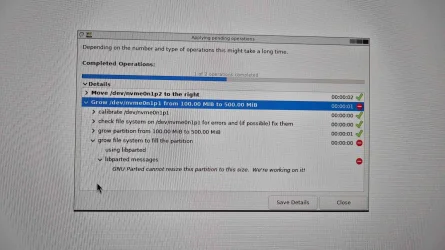
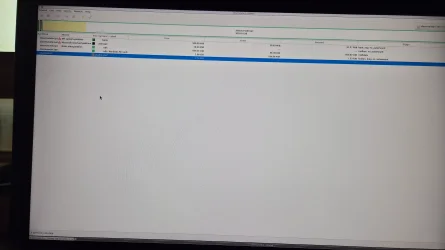
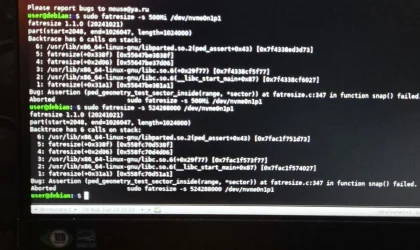
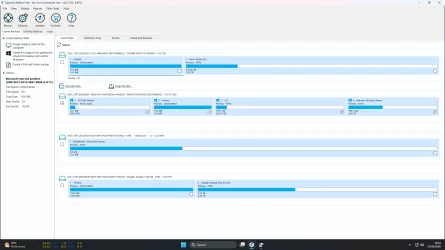
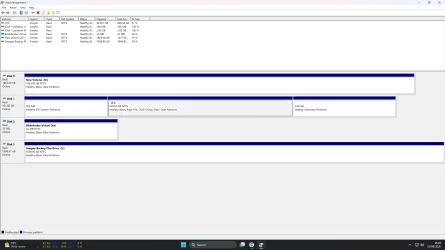
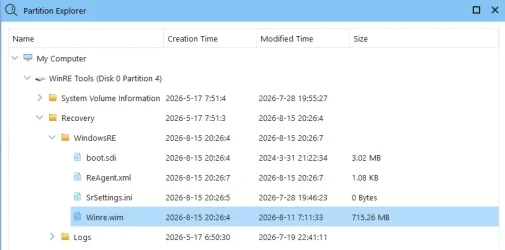
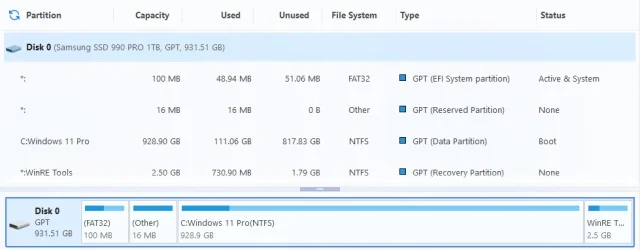
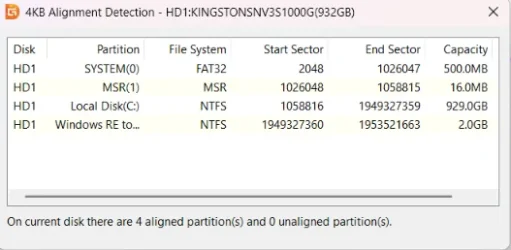
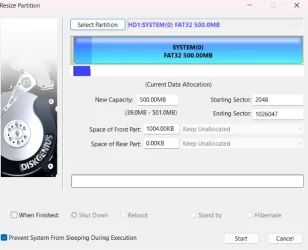
Just to clarify for the OP. MRP refers to the 16 MB Microsoft Reserved Partition and is nothing to do with the Recovery Partition. It is tiny and I see no advantage in moving it.I know, but I use Hasleo Backup Suite. I can resize partitions *and* move the 16MB MSR partition(left or right into unallocated space). That saves me from having to use partition managers that might cause issues.
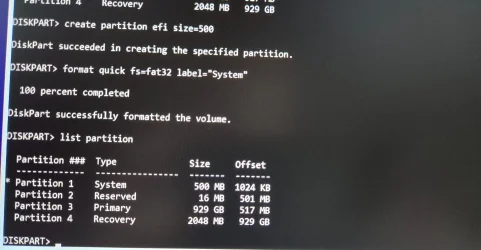
DiskGenius is good, and I haven't had any errors with it, but you can't move the MSR partition. You would have to delete it, expand the EFI partition, leave 16MB of unallocated space, and then recreate the MSR partition using diskpart.
My Computers
-
At a glance
Windows 11 Pro 25H2 26200.9550AMD Ryzen 7 5825U with Radeon Graphics16GB- OS
- Windows 11 Pro 25H2 26200.9550
- Computer type
- Laptop
- Manufacturer/Model
- Acemagic LX15PRO
- CPU
- AMD Ryzen 7 5825U with Radeon Graphics
- Motherboard
- BIOS CT_BI_AMI_LX15PRO_AB8139_A-004
- Memory
- 16GB
- Screen Resolution
- 1920 x 1080
- Hard Drives
- SSD 2TB
- Internet Speed
- 30 Mbps
- Browser
- Brave
- Antivirus
- Webroot SecureAnywhere Complete beta
-
At a glance
Windows 11 Pro 23H2 22631.2506Atom N450 1.66GHz2GB- Operating System
- Windows 11 Pro 23H2 22631.2506
- Computer type
- Laptop
- Manufacturer/Model
- HP Mini 210-1090NR PC (bought in late 2009!)
- CPU
- Atom N450 1.66GHz
- Memory
- 2GB
- Browser
- Brave
- Antivirus
- Webroot
-
Acer Swift SF114-34 laptop
OS Windows 11 Pro 26200.8894
CPU Pentium Silver N6000
RAM 4GB
BIOS v1.17
SSD Samsung 970 EVO Plus SSD 2TB (an upgrade)