Microsoft Support:
At Microsoft, we are dedicated to providing our customers with the tools they need to achieve what matters, in their work and life. In order to focus on new benefits, we occasionally remove features and products.
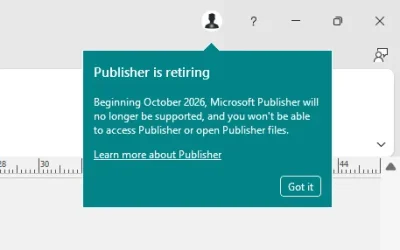
In October 2026, Microsoft Publisher will reach its end of life. After that time, it will no longer be included in Microsoft 365 and existing on-premises suites will no longer be supported. Microsoft 365 subscribers will no longer be able to open or edit Publisher files in Publisher. Until then, support for Publisher will continue and users can expect the same experience as today.
Many common Publisher scenarios—including creating professionally branded templates, printing envelopes and labels, and producing customized calendars, business cards, and programs—are already available in other Microsoft 365 apps such as Word and PowerPoint. For recommendations on where to start common Publisher scenarios, see below. You can also find a wide array of customizable templates at Microsoft Create.
How will this affect you:
You can continue to use Publisher with its current functionality until October 1, 2026.Microsoft 365 subscribers will not be able to access Publisher after October 1, 2026.
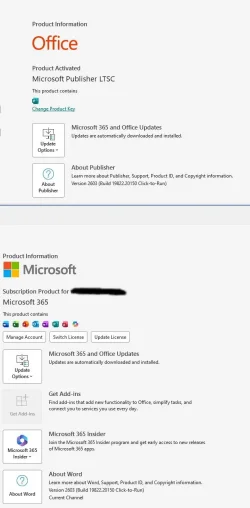
Support for the perpetual version of Publisher will end on October 13, 2026, when Office LTSC 2021 and Consumer Office 2021 reach end of support.
FAQ
- Can I still install Publisher after October 2026? If you have a Microsoft 365 subscription, Microsoft Publisher will no longer be available for installation or download after October 2026. However, if you have the Perpetual version of Publisher, although support will end, you will still be able to install and use the app beyond this date.
- What happens to my existing Publisher files after the end of support? If you have a Microsoft 365 subscription, you will no longer be able to open or edit your Publisher files using Microsoft Publisher. It is recommended to convert your existing files to PDF or Word format before this date. If you have the Perpetual version of Publisher, you will still be able to access and edit your files.
- What can I use instead of Publisher? We suggest using the recommendations provided above as starting points for common Publisher scenarios.
- How can I find my Publisher files? A file search for “.Pub” on your PC, OneDrive, or SharePoint can help you locate your Publisher files.
- I have many Publisher files; is there a way to convert them all to PDF? Yes. If you have a large number of Publisher files, you can use a PowerShell script or other automation for bulk export. You can refer to Example conversion script as a guide.
Read more:
Microsoft Publisher will no longer be supported after October 2026 | Microsoft Support
Microsoft Publisher will no longer be supported after October 2026
 support.microsoft.com
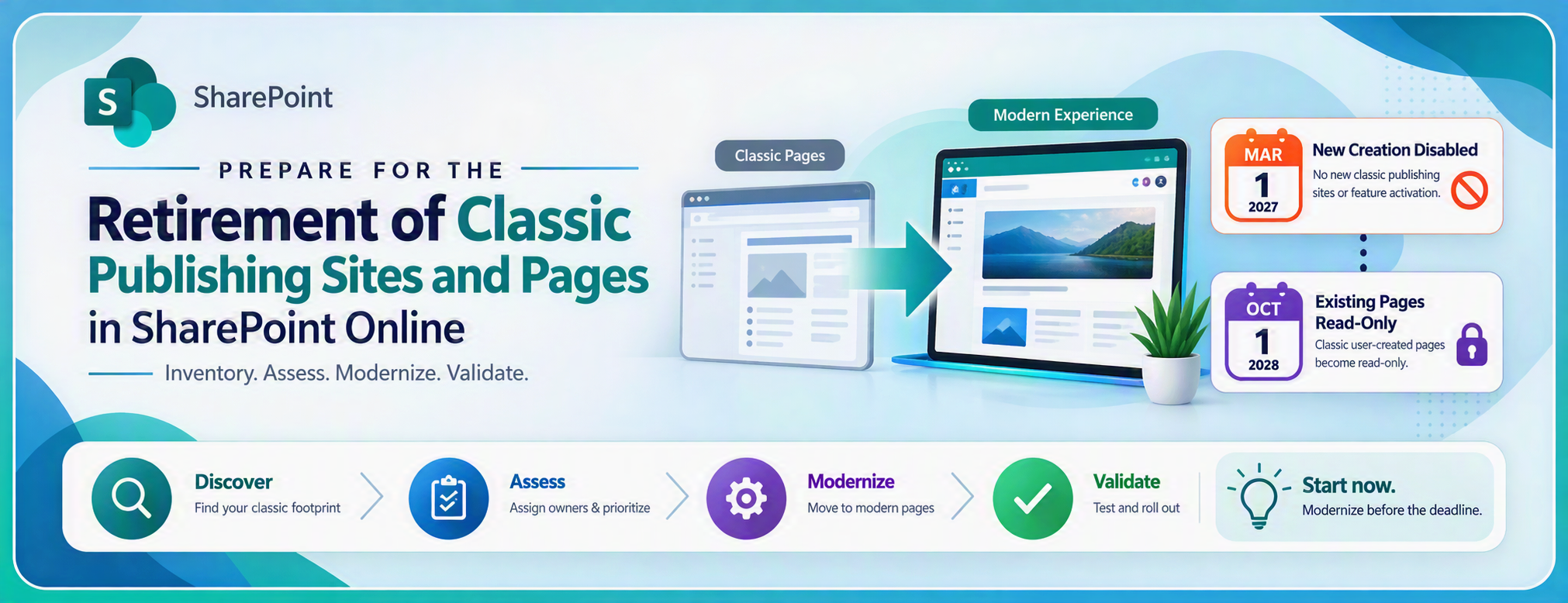
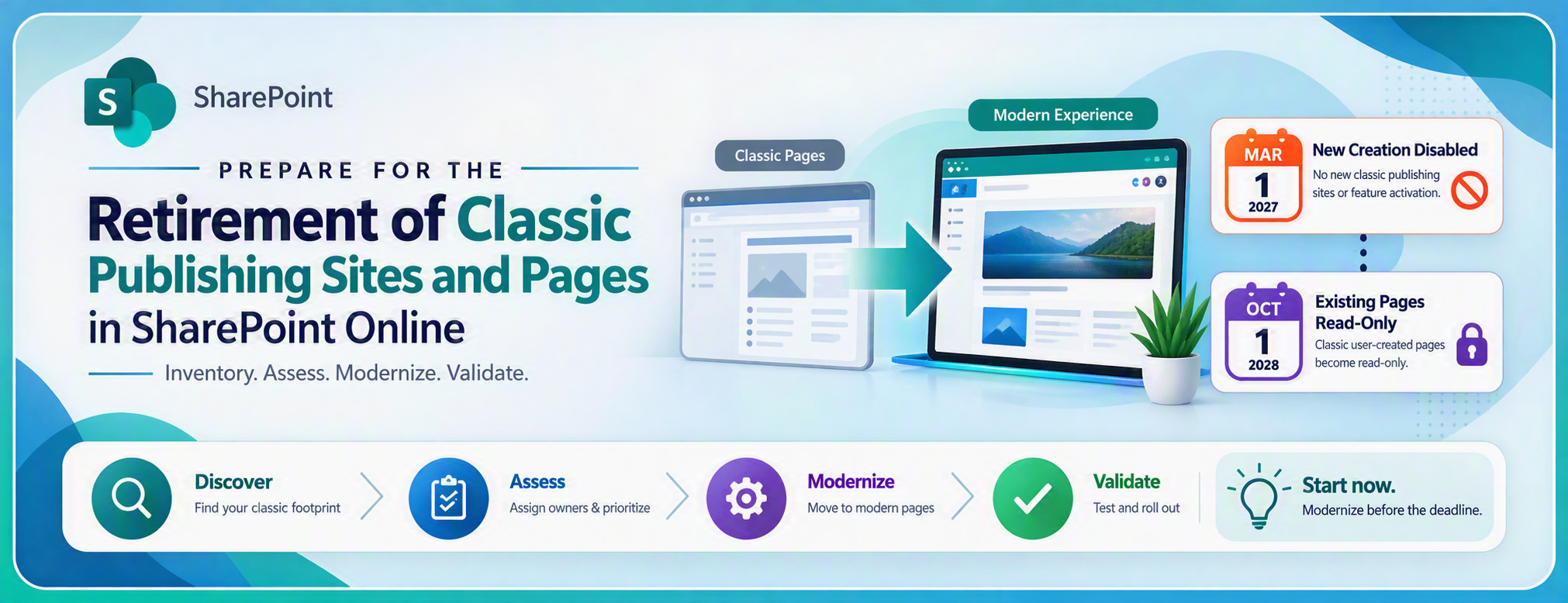
Prepare for Retirement of Classic Publishing Sites and Pages in SharePoint Online
Prepare for the retirement of classic publishing sites and pages in SharePoint Online. Learn the key milestones, assess your classic page footprint, identify...
 techcommunity.microsoft.com
Last edited: