- Local time
- 3:41 PM
- Posts
- 38
- OS
- Win 11 Home, 25H2, build 26200.8737
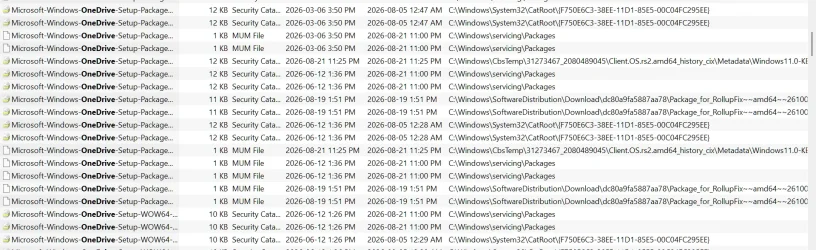
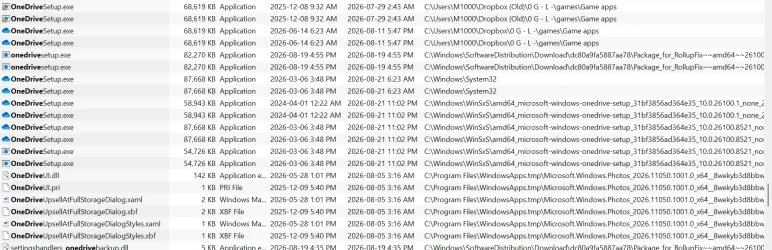
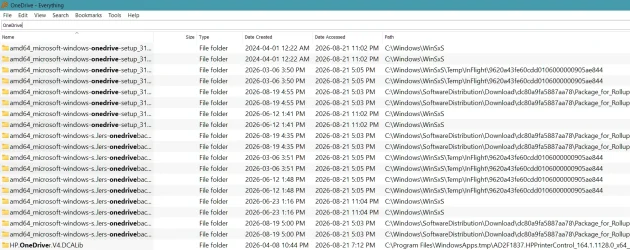
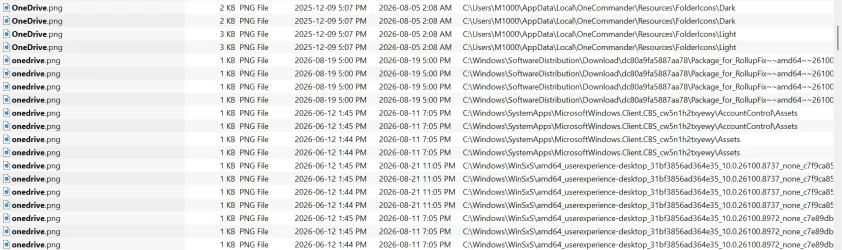
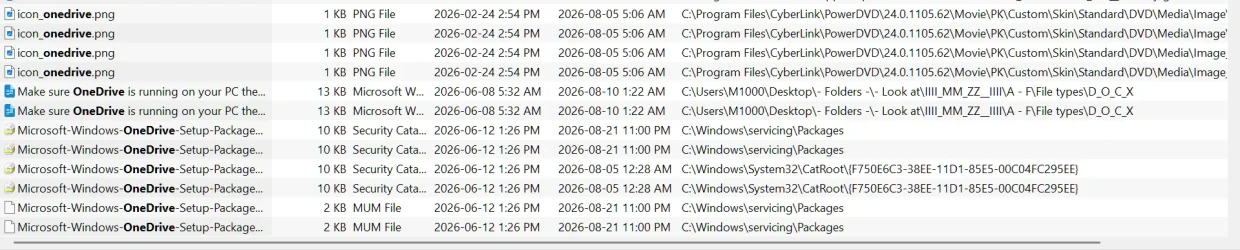
That was my mistake. I used an older capture from a time when I used One Drive.OP states "I don't use OneDrive", posts images showing OneDrive - did you allow time for the files to upload to OneDrive? The folders will be empty until files have uploaded and they're populated....
NB. Deleting empty folders when you're using an online syncing service is not going to work well.
I havent had One Drive for a year so I dont think that would help, but thank youSince OneDrive is the parent folder, log in directly to your OneDrive account and see if the files are there.
If they are, your system has a sync issue.
If they're not, look in the online Recycle Bin.
Last edited:
My Computer
At a glance
Win 11 Home, 25H2, build 26200.8737Intel(R) Core(TM) i3-N305 (1.80 GHz)8.00 GB (7.70 GB usable)
- OS
- Win 11 Home, 25H2, build 26200.8737
- Computer type
- Laptop
- Manufacturer/Model
- Lenovo.
- CPU
- Intel(R) Core(TM) i3-N305 (1.80 GHz)
- Motherboard
- 64-bit operating system, x64-based processor
- Memory
- 8.00 GB (7.70 GB usable)
- Hard Drives
- 2 TB
- Browser
- Google Chrome, Version 151.0.7922.172 (Official Build) (64-bit)