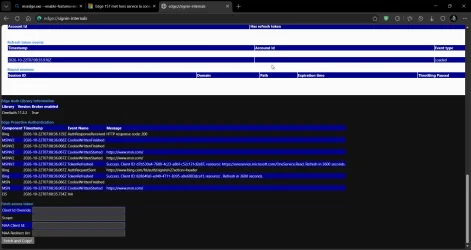
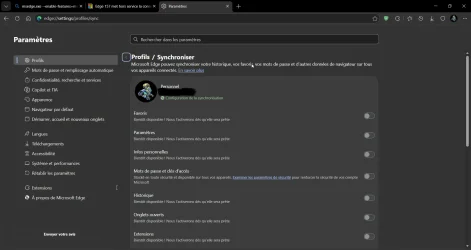
@Thanatos @Thierry 83200
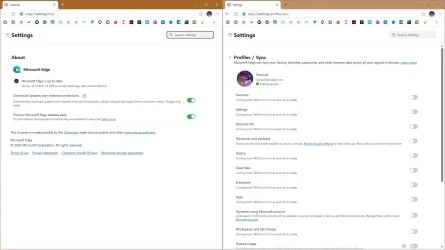
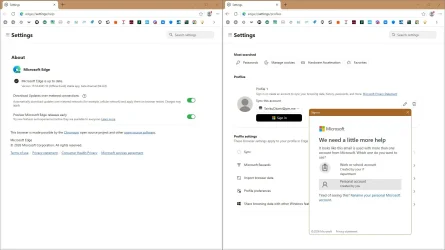
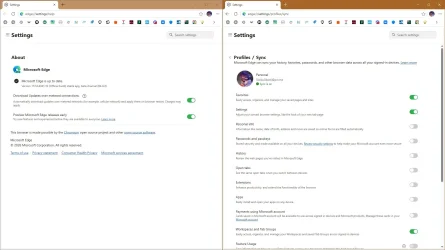
This is not happening to me. I am in Edge Version 155.0.4283.62 (Official build) (64-bit)
What version of Edge are you using?
Another thought I had is both of you seem to be in a European time zone. Could this have something to do with the restrictions that certain countries have against Microsoft features? Just thinking out loud with that because I know nothing about the EU rules.
While viewing this thread I put the question to Co-pilot. Here is the answer I got in its entirety. It suggests there may be a bug in that version
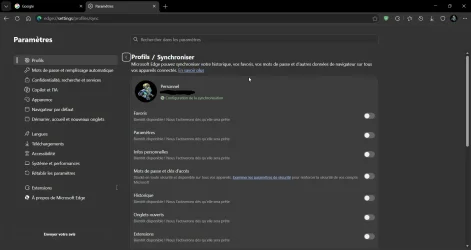
(question asked) I am syncing in Edge but am unable to toggle on what I want to sync in my edge profile.
Copilot said:
Based on the forum thread you're viewing, other users are reporting the same behavior: Edge sync category toggles turn back off after being enabled and after refreshing or restarting Edge. One responder specifically suggested checking whether a policy is disabling sync categories.
Here are the most likely causes and checks:
Check for Edge policiesIn Edge, go to:edge://policyLook for policies such as:SyncDisabledSyncTypesListDisabledIf those appear and are set, they can force sync options off. This was specifically suggested in the thread.
Verify the browser isn't managedOpen:edge://management
If Edge says it's managed by your organization, a policy may be controlling sync settings.Reset Edge syncSign out of Edge.Visit:edge://settings/profiles/syncUse the option to reset sync data (if available), then sign back in.The forum thread links to reset and re-sync procedures as troubleshooting steps
Check for a current Edge issue. Since another user in the same discussion reported the identical symptom ("reverts back to off when enable them"), this may be related to a current Edge bug rather than a problem with your profile.Try a different channel or device. If you use the same Microsoft account on another PC or Edge installation, see whether the sync categories stay enabled there.If they do not, the issue may be account-side If they do, the issue is likely local to that Edge installation.
Can you tell me:Which version of Edge you're running (edge://settings/help)?What appears on edge://policy?Is this a personal Microsoft account or a work/school account?Those details will help narrow down whether this is a policy issue or the same bug being discussed in that thread.