- Local time
- 6:47 AM
- Posts
- 18,199
- OS
- Windows 11 Pro
The only reason I can think of, where the combo output, (headset/mic), might not work is:
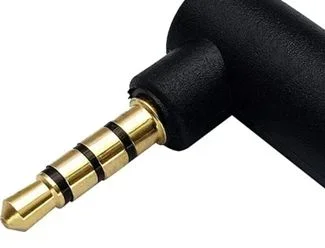
most combo ports will accept a 3 zone male, and cancel out the mic contact...
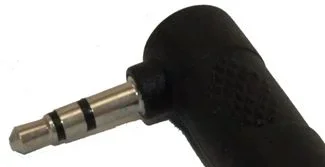
whereas some require a 4 zone, (left, right, ground, mic), male to function properly...
(so, no 4 zone to RCA)
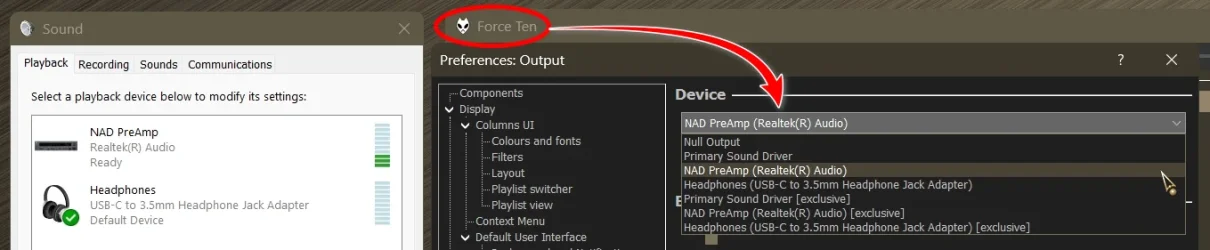
Type mmsys.cpl into a Run box and press Enter.
most combo ports will accept a 3 zone male, and cancel out the mic contact...
whereas some require a 4 zone, (left, right, ground, mic), male to function properly...
(so, no 4 zone to RCA)
How do I get to that?
Type mmsys.cpl into a Run box and press Enter.
My Computers
-
At a glance
Windows 11 Pro- OS
- Windows 11 Pro
- Computer type
- PC/Desktop
- Manufacturer/Model
- ASUS ROG Strix
-
At a glance
Windows 11 Pro- Operating System
- Windows 11 Pro
- Computer type
- Laptop
- Manufacturer/Model
- ASUS VivoBook
-
ASUS VivoBook 'Lite' ~ Windows 11 Home