I already have outlook.com webmail synced to my phone and POP3 synced to Outlook classic in MS Office on my desktop. But I was going through my emails and thought I might not have all the emails. So I went into Outlook webmail and checked to see if I could toggle IMAP on and off and see if any emails shook loose.
However, when I clicked on 'Forwarding and IMAP' instead of a toggle with a slider, I was greeted with a sign in page. I tried signing in to get a verification code but I never received it.
From researching this online, isn't there supposed to be a toggle and a slider, not a sign in prompt? I haven't used this setting in a long time.
Does anyone know why I have to sign in again, or why I'm not receiving a code when I do?
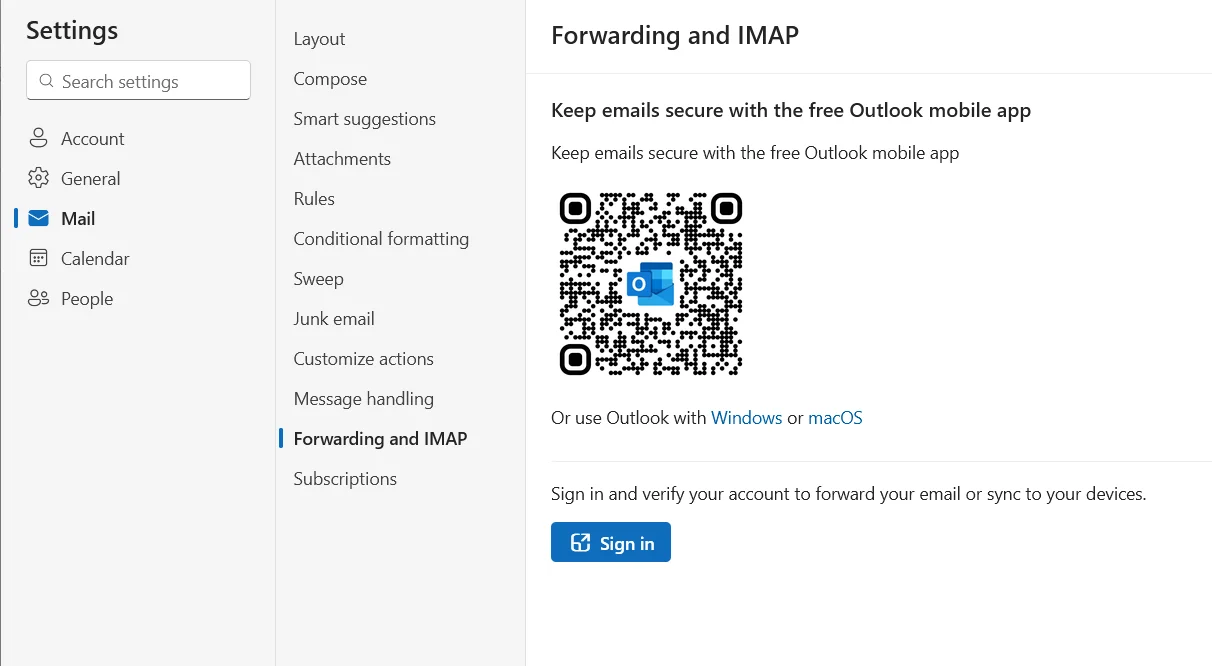
However, when I clicked on 'Forwarding and IMAP' instead of a toggle with a slider, I was greeted with a sign in page. I tried signing in to get a verification code but I never received it.
From researching this online, isn't there supposed to be a toggle and a slider, not a sign in prompt? I haven't used this setting in a long time.
Does anyone know why I have to sign in again, or why I'm not receiving a code when I do?
My Computers
-
At a glance
Windows 11 Pro. Version 25H2 (build 26200.9168)- OS
- Windows 11 Pro. Version 25H2 (build 26200.9168)
- Computer type
- Laptop
- Manufacturer/Model
- Lenovo T16 AMD Gen 2
-
At a glance
Windows 118GBonboard- Operating System
- Windows 11
- Computer type
- PC/Desktop
- Manufacturer/Model
- Old HTPC custom build (2009)
- Memory
- 8GB
- Graphics card(s)
- onboard