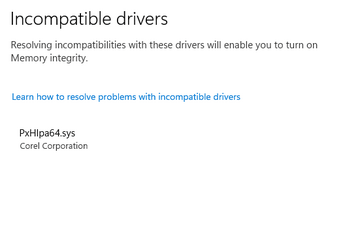
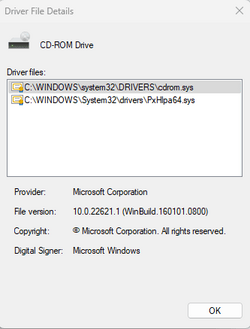
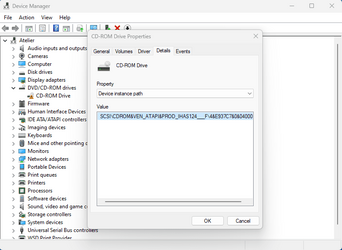
If it's just a leftover file, then you just need to disable it in the registry or rename it.
Can you open the registry editor and go to HKLM\SYSTEM\CurrentControlSet\Services, then search for the file PxHlpa64.sys.
Once you find the registry key it resides in, look for a REG_DWORD called Start, then double-click it and replace the value with 4.
When you are done editing, exit the registry editor and restart your computer. After the restart, check if the file is still running.
P.S. Take note where it's located just in case it's still able to run.