

Hello,
Here is a screenshot of Setting panel, almost entirely black. Control panel is almost entirely black.
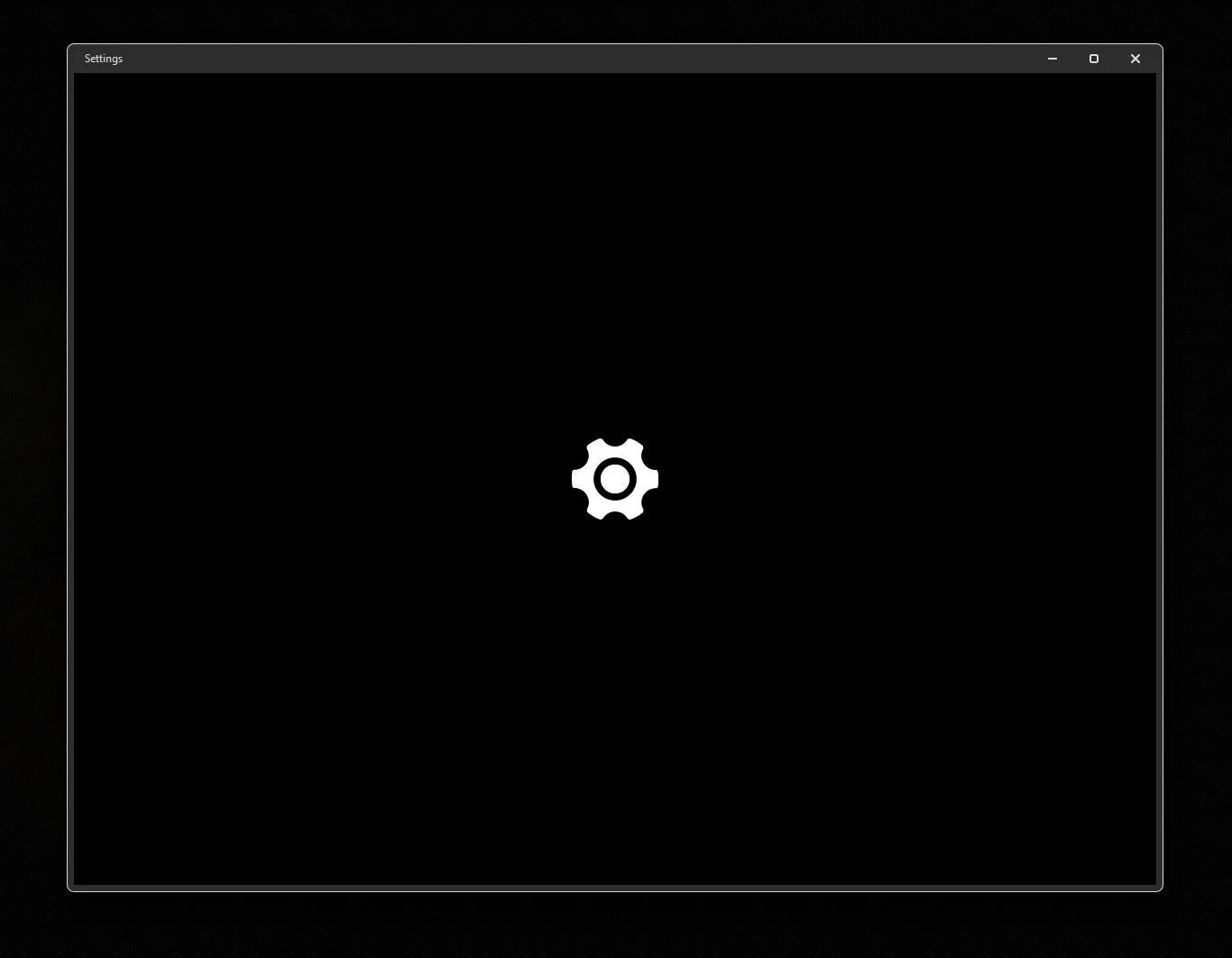
I tried the following cmdlet on an elevant command prompt :
Get-AppXPackage -AllUsers -Name windows.immersivecontrolpanel | Foreach {Add-AppxPackage -DisableDevelopmentMode -Register "$($_.InstallLocation)\AppXManifest.xml" -Verbose}
Thank you very much for you help !
Here is a screenshot of Setting panel, almost entirely black. Control panel is almost entirely black.
I tried the following cmdlet on an elevant command prompt :
Get-AppXPackage -AllUsers -Name windows.immersivecontrolpanel | Foreach {Add-AppxPackage -DisableDevelopmentMode -Register "$($_.InstallLocation)\AppXManifest.xml" -Verbose}
Thank you very much for you help !
- Windows Build/Version
- Windows 11 Home 26H2 (build 23600.9711)
My Computer
At a glance
Windows 11 ProRyzen32 GDDR4RTX 3600
- OS
- Windows 11 Pro
- Computer type
- PC/Desktop
- Manufacturer/Model
- N/A
- CPU
- Ryzen
- Motherboard
- AMD Ryzen 5 5600x 6-Core
- Memory
- 32 GDDR4
- Graphics Card(s)
- RTX 3600
- Sound Card
- Integrated to the motherboard...
- Monitor(s) Displays
- AOC G-Sync G27G2G4
- Screen Resolution
- 2560x1900
- Hard Drives
- Seagate FireCuda 520, a couple of external HDD drives full of garbage.
- Internet Speed
- Desc : 76 Mbps / Asc : 0.52 (I not about the speedtest.net result)
- Browser
- Chrome
- Antivirus
- Eset
- Other Info
- Retired coder, yet still loving technology and its creative aspect.
Casual Anno player :)
I'm a normal IT tech / nerd, but I enjoy nature, animals and arts, and cooking.






