- Local time
- 1:40 AM
- Posts
- 4,018
- OS
- Windows 11 Home 25H2
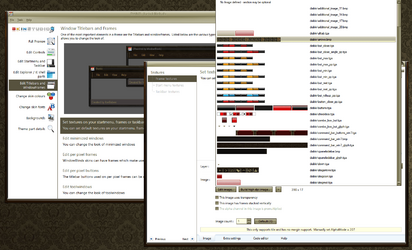
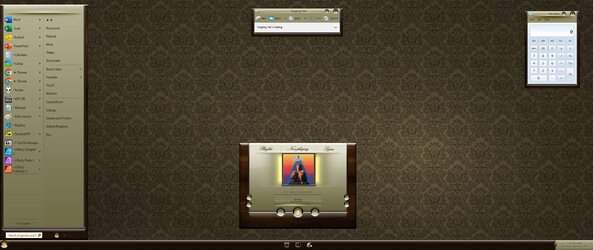
Has anyone tried/used Window Blinds? I'm curious. Presumably even if it looks like XP and has a different start menu, the right click menus and settings would be standard Windows 11 ones?
 www.pcworld.com
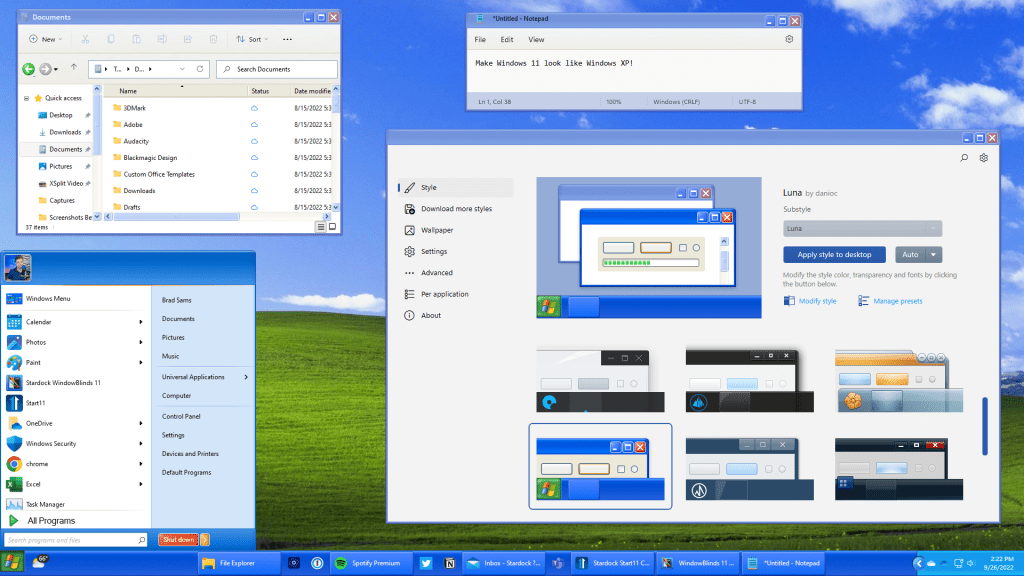
Transform Windows 11 into Windows XP with WindowBlinds 11
Stardock Software's latest beta of WindowBlinds 11 allows you to customize the look and feel of Windows, even to make it look like Windows XP.
www.pcworld.com
My Computers
-
At a glance
Windows 11 Home 25H2Core i5-1035G132gb- OS
- Windows 11 Home 25H2
- Computer type
- Laptop
- Manufacturer/Model
- HP Pavilion 14-ce3606sa
- CPU
- Core i5-1035G1
- Memory
- 32gb
- Hard Drives
- Samsung 870 evo sata ssd
- Cooling
- Could be better
- Internet Speed
- 50 mbps Starlink
- Browser
- Firefox
- Other Info
- Originally came installed with a 500gb H10 Optane ssd
-
At a glance
Windows 11 HomeIntel Core i5-1035G116gb- Operating System
- Windows 11 Home
- Computer type
- Laptop
- Manufacturer/Model
- HP Pavilion ce3606sa
- CPU
- Intel Core i5-1035G1
- Memory
- 16gb
- Hard Drives
- Hynix Gold P31 2TB
- Internet Speed
- 200mbps Starlink
- Browser
- Firefox
- Antivirus
- Defender