Windows Insider Blog:
Hello Windows Insiders,
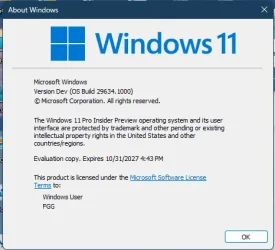
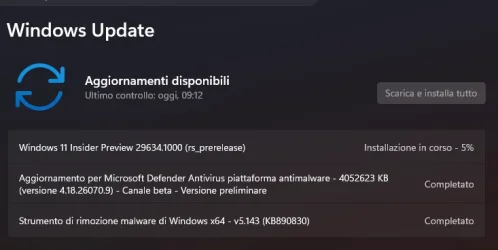
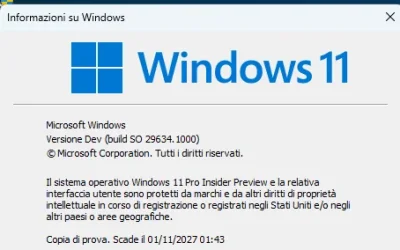
Today we’re releasing build 29634.1000 for the Experimental (Future Platforms) channel. Release notes can be found over in the Windows Insider Documentation Hub as usual, as well as below.
Renewed Windows Insider flight certificate
Today’s Experimental (Future Platforms) build contains a renewed Windows Insider flight certificate. Windows Insider Preview builds use flight certificates that are renewed periodically to help ensure Insider devices remain on supported builds and continue receiving future Insider Preview updates. The current flight certificate expires on August 11, 2026, so please update your device to a build containing the renewed flight certificate before that date.
For more information, please visit the certificate renewal FAQ.
Experimental (Future Platforms) moves to updated WIP UI
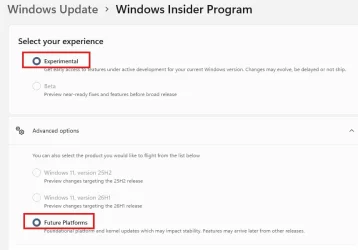
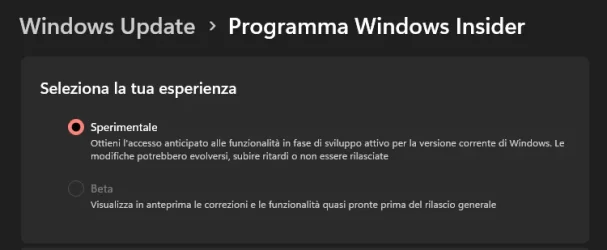
We conclude the full transition of all Windows Insider builds to the updated WIP channel UI, with those on the 29600 Preview Builds now seeing Experimental (Future Platforms) in the Windows Insider channel settings.

Change Windows Insider Program Channel in Windows 11
This tutorial will show you how to change your Windows Insider Program channel to the Beta, Experimental, or Release Preview channel to get Insider preview builds of Windows 11 on your PC. Flighting is the process of running Windows Insider Preview Builds on your device. When you run these...
 www.elevenforum.com
Release notes for Windows 11 Insider Preview Build 29634.1000 for Experimental (Future Platforms)
Changes and improvements gradually being rolled out[Voice Isolation in Voice Access]
- We’re introducing Voice Isolation, a new option in Voice Access that helps it focus on your voice, even when others are speaking nearby. Whether you’re in a shared office, an open floor plan, or at home with family around, Voice Isolation filters out other voices and background noise so Voice Access can better understand you. All processing happens privately on your device.
- Getting started
Voice Access now offers three speech recognition modes under Voice Access settings > Improve speech recognition:- Voice Isolation — Filters out other speakers and background noise (one-time voice setup required).
- Remove background noise only — Filters out non-speech sounds like typing or door slams. No additional setup needed.
- No filtering — Default microphone input with no additional processing.

Change Voice Access Speech Recognition Mode in Windows 11
This tutorial will show you how to change the speech recognition mode used to filter noise by Voice Access for your account in Windows 11. Voice access in Windows 11 enables everyone, including people with mobility disabilities, to control their PC and author text using their voice. For...
www.elevenforum.com
- To set up Voice Isolation, select it from the menu and follow the short, guided setup where you’ll read a brief paragraph aloud so Voice Access can learn your voice. It only takes a minute, and your voice data never leaves your device

Set Up Voice Isolation in Voice Access on Windows 11
This tutorial will show you how to set up Voice isolation in Voice Access for your account in Windows 11. Voice access in Windows 11 enables everyone, including people with mobility disabilities, to control their PC and author text using their voice. For example, you can open and switch between...
www.elevenforum.com
Braille displays now connect instantly with Narrator
- We’re making refreshable braille displays easier to use in Windows. Narrator now supports displays that use the HID standard — an open industry standard for braille displays. If your display supports HID, simply connect it via USB and start reading — true plug-and-play with no additional setup required. For Bluetooth, pair your HID braille display in Settings > Bluetooth & devices just like any other accessory, and you can work wirelessly without being tethered to your PC.
- Compatible HID displays include models like the Orbit Reader 20, Orbit Slate 340, Freedom Scientific Focus 40, and APH Mantis Q40.
- HID braille displays now work during the initial Windows setup experience (OOBE) over USB — meaning users who are deaf-blind can set up their PC independently, right from the first screen. You can customize braille input and output options anytime in Settings > Accessibility > Narrator > Braille.

Install or Uninstall Braille Support for Narrator in Windows 11
This tutorial will show you how to install or uninstall braille support for Narrator for all users in Windows 11. Narrator is a screen reader included with Windows 11 that describes what's on your screen. Narrator lets you use your PC without a mouse to complete common tasks if you’re blind or...
www.elevenforum.com

Enable or Disable Braille Support for Narrator in Windows 11
This tutorial will show you how to turn on or off braille display support for Narrator for your account in Windows 11. Narrator is a screen reader included with Windows 11 that describes what's on your screen. Narrator lets you use your PC without a mouse to complete common tasks if you’re...
www.elevenforum.com
- The Windows 11 Account Control flyout has a refreshed, modern design and a clear subscription badge to make the user’s account status instantly visible. This helps users easily identify their plan, discover benefits, and explore upgrades.
[Input]
- The emoji panel (Windows key + period (.)) now uses GIPHY as the GIF provider, delivering a smoother GIF browsing and sharing experience following the deprecation of the Tenor API.

Open Emoji Panel in Windows 11
This tutorial will show you how to open the Emoji Panel in Windows 11. An emoji is a pictogram, logogram, ideogram or smiley embedded in text. Windows 11 includes 3D Fluent emoji you can use from the Emoji Panel. Starting with Windows 11 build 22631.3810, Microsoft is adding support for Emoji...
www.elevenforum.com
- Improved reliability of navigating to the Startup apps page in Settings.
- Improved reliability of loading the system tray area of the taskbar when using your PC in a tablet posture.
- Improved reliability of Start menu view preferences, ensuring your selected view is retained.
- Improved keyboard navigation when keyboard focus is set to the apps list within Start menu.
- Improved detection for triggering time zone change notifications.
- Improves the reliability of rendering content while scrolling for certain apps spanning across multiple monitors.
Stephen and the Windows Insider Program team
Source:

Announcing Windows 11 Insider Preview Build 29634.1000 for Experimental (Future Platforms)
Hello Windows Insiders, Today we’re releasing build 29634.1000 for the Experimental (Future Platforms) channel. Release notes can be found over in the
 blogs.windows.com

Windows 11 Insider Experimental (Future Platforms) Preview Build 29634.1000 - Windows Insider Program
Release notes for Windows 11 Insider Experimental (Future Platforms) Preview Build 29634.1000
learn.microsoft.com
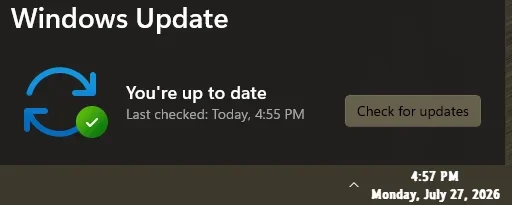
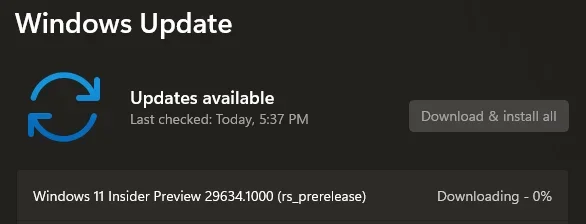
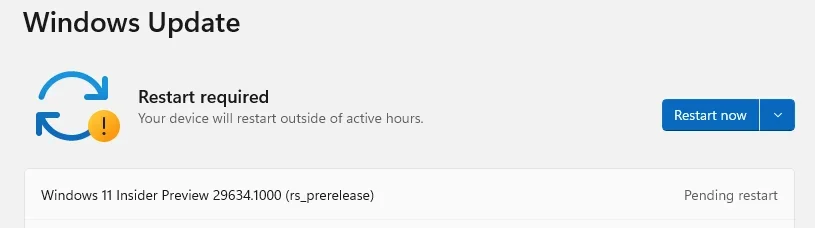
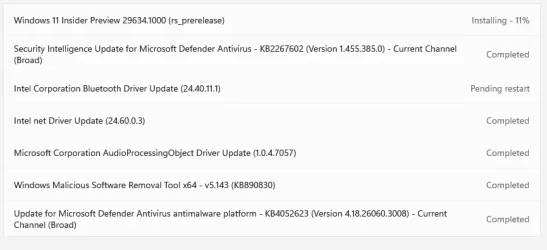
Check Windows Updates
UUP Dump:
64-bit ISO download:

Select language for Windows 11 Insider Preview 29634.1000 (rs_prerelease) amd64
Select language for Windows 11 Insider Preview 29634.1000 (rs_prerelease) amd64 on UUP dump. UUP dump lets you download Unified Update Platform files, like Windows Insider updates, directly from Windows Update.
uupdump.net
ARM64 ISO download:
Select language for Windows 11 Insider Preview 29634.1000 (rs_prerelease) arm64
Select language for Windows 11 Insider Preview 29634.1000 (rs_prerelease) arm64 on UUP dump. UUP dump lets you download Unified Update Platform files, like Windows Insider updates, directly from Windows Update.
uupdump.net

UUP Dump - Download Windows Insider ISO
UUP Dump is the most practical and easy way to get ISO images of any Insider Windows 10 or Windows 11 version, as soon as Microsoft has released a new build. UUP Dump creates a download configuration file according to your choices, downloads necessary files directly from Microsoft servers, and...
www.elevenforum.com
Last edited: