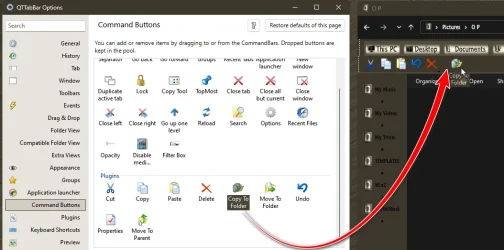
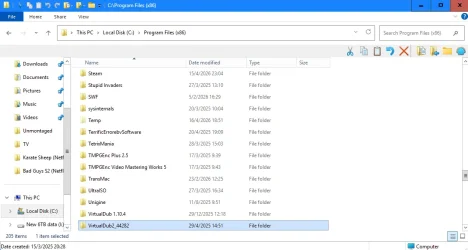
- Local time
- 10:03 PM
- Posts
- 4,793
- OS
- Windows 11 Pro
no OpenShell necessary. just switch back to the win 10 ribbon explorer (easy is @LesFerch switch explorer - GitHub - LesFerch/SwitchExplorer: Switch Explorer between the Windows 11 version and the Windows 10 version)
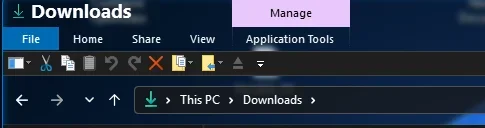
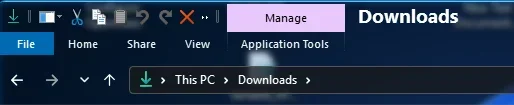
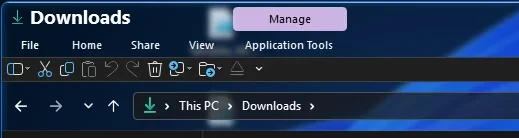
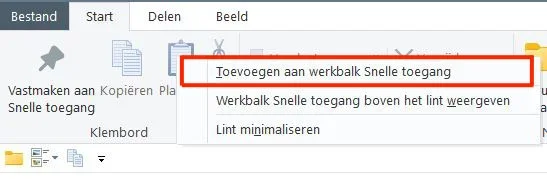
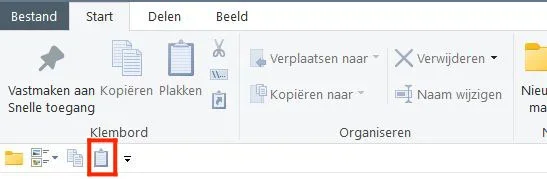
right click on folder options button - add QAT below ribbon
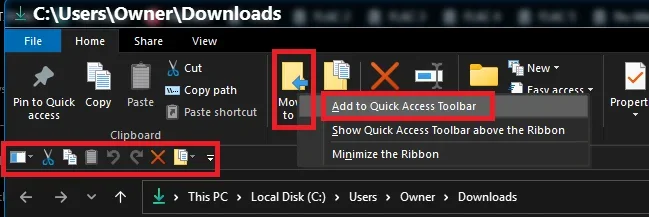
right click on any button in ribbon and Add to QAT
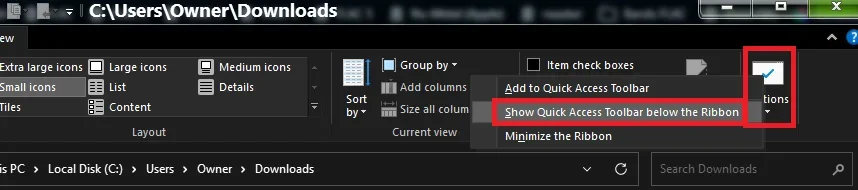
right click on folder options button - add QAT below ribbon
right click on any button in ribbon and Add to QAT
My Computer
At a glance
Windows 11 Pro
- OS
- Windows 11 Pro





 KB5079391/KB5086672 killed it by making feature ID 42105254 (MTestUx15) image-enforced, or "Priority : ImageOverride (15)", which boils down to the fact that this feature can no longer be disabled so now we're all stuck on a XAML island.