

Jordan CYW
New member
- Local time
- 2:35 PM
- Posts
- 6
- OS
- Windows 11
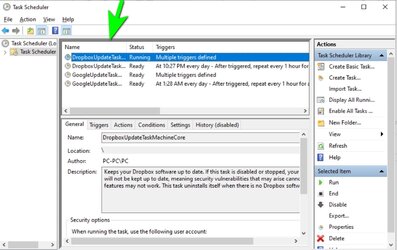
I had created a task in the task scheduler for the purpose of shutting down my laptop every night just in case if I forget to do it myself. I deleted the task recently but it still continue to run every night. I am confirmed that the task is removed from existence, how should I get rid of this annoying corrupted file?
- Windows Build/Version
- Windows 11
My Computer
At a glance
Windows 11
- OS
- Windows 11
- Computer type
- Laptop
- Manufacturer/Model
- Asus


![TS, TS [local], Task status.png](/data/attachments/61/61537-a4cd413bdd6862c1b9ec98755883789f.jpg?hash=pM1BO91oYs)






