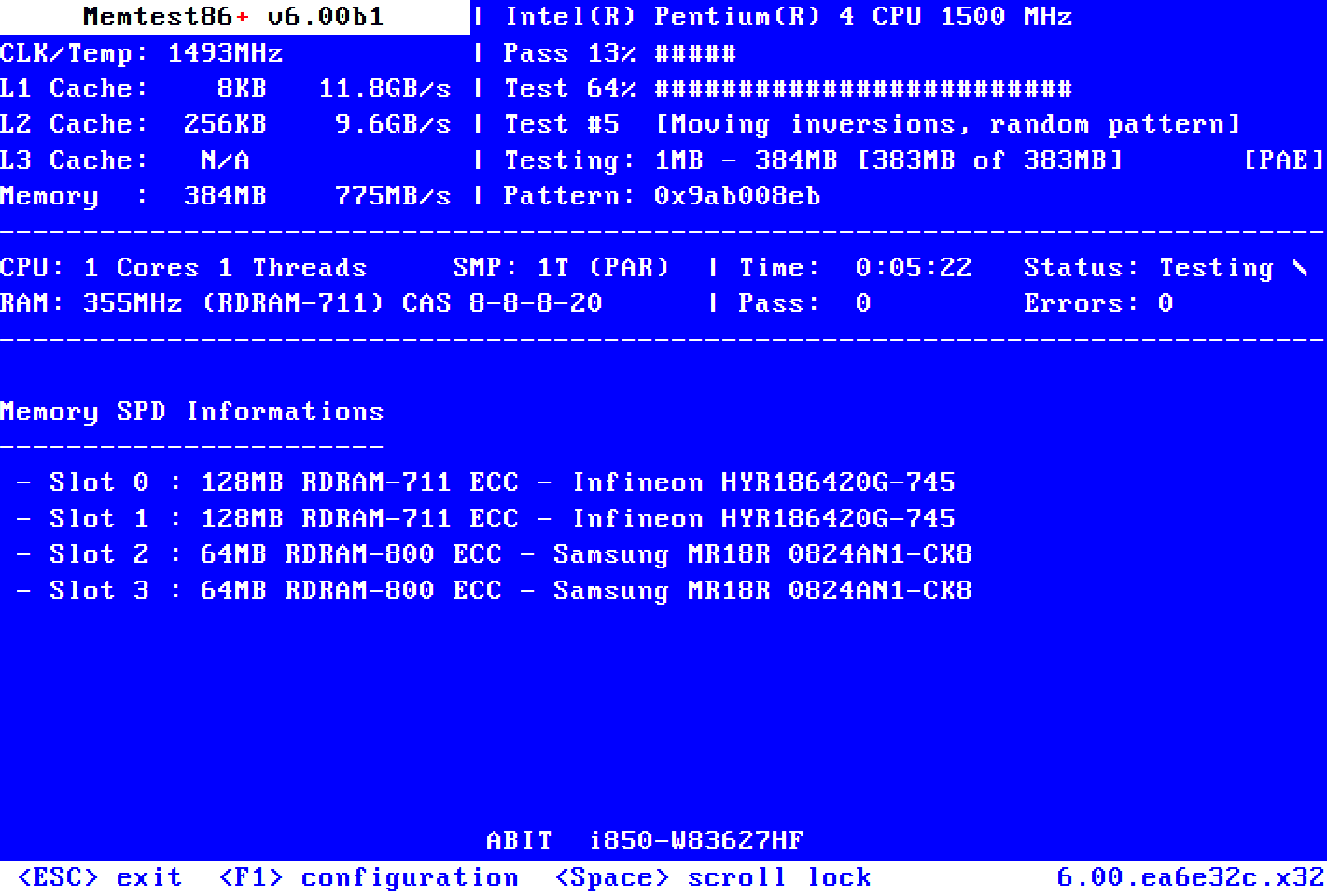
I'd booted up earlier this morning and everything was fine.
I went out for a short time and when I returned, the attached screen was displayed.
I hit 'enter' and the BIOS settings opened to the Boot section, but no device was showing - I sort of blundered around and got restarted somehow.
I've also attached the v2 log collector file. (my usual Boot sequence is via the Macrium Reflect file, if that's of any consequence)
Any help would be greatly appreciated.
I went out for a short time and when I returned, the attached screen was displayed.
I hit 'enter' and the BIOS settings opened to the Boot section, but no device was showing - I sort of blundered around and got restarted somehow.
I've also attached the v2 log collector file. (my usual Boot sequence is via the Macrium Reflect file, if that's of any consequence)
Any help would be greatly appreciated.
- Windows Build/Version
- Windows 11 Pro 23H2 22631.4112
Attachments
![20240831_103030[1].jpg](/data/attachments/106/106693-99ffc4c78bd8415f95f79101034d9381.jpg?hash=mf_Ex4vYQV)
My Computer
At a glance
Windows 11 Pro 25H2 26200.9550Intel(R) Core(TM) i7-1195G7 @ 2.90GHz16GBIntel Iris Xe
- OS
- Windows 11 Pro 25H2 26200.9550
- Computer type
- Laptop
- Manufacturer/Model
- PC Specialist 15.6" Initia
- CPU
- Intel(R) Core(TM) i7-1195G7 @ 2.90GHz
- Memory
- 16GB
- Graphics Card(s)
- Intel Iris Xe
- Screen Resolution
- 1920 x 1080
- Hard Drives
- M2 PCIe NVMe 250GB
- Internet Speed
- 910/105 Mbps
- Browser
- Ecosia Version 153.1.8010.14 (PROD) (64-bit)
- Antivirus
- Microsoft Defender
- Other Info
- Macrium Reflect Home v10.0.8843