- Local time
- 1:09 AM
- Posts
- 5,981
- Location
- Hafnarfjörður IS
- OS
- Windows XP,11 Linux Fedora Rawhide pre-release 46
Hi folks
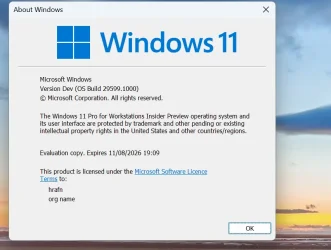
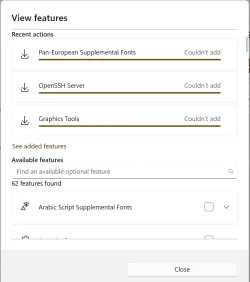
problem with adding "Optional features" in latest experimental build
Optional features
Cheers
jimbo
problem with adding "Optional features" in latest experimental build
Optional features
Cheers
jimbo
My Computer
At a glance
Windows XP,11 Linux Fedora Rawhide pre-releas...2 X Intel i7
- OS
- Windows XP,11 Linux Fedora Rawhide pre-release 46
- Computer type
- PC/Desktop
- CPU
- 2 X Intel i7
- Screen Resolution
- 4KUHD X 2