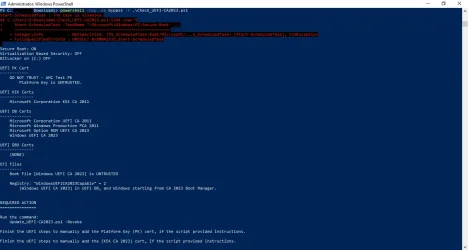
For applying the certs and updating the boot manager, my script doesn't need the Secure Boot task. But for enabling the SBAT and UEFI lock on SkuSkiSpolicy, it calls the task since those are reserved security operations that only the task can do.
You're probably hitting the very serious bug with your GPU having an older signed ROM, and it's not authorized once CA 2011 is banned. This is a known issue in the NVIDIA community, you will find lots of threads on this exact problem.
There's no real good answer, except to hope someone has figured out how to hack your GPU's ROM to re-sign them. Or you will have to swap out the GPU (unless you're stuck with integrated graphics). It's one of those problems where nobody thought about this possibility 15 years ago.
Everyone was thinking about the motherboard's security, and not considering it for GPU's. If you can't find a workaround from the NVIDIA forums, you're screwed and need to leave Secure Boot disabled. It's not ideal, but you have to balance which is more important to you, running this PC or having less system protection.