
Ever since I upgraded my BIOS to American Megatrends International LLC 19.01.9/25/2025. SMBIOS Version 3.5, the Magnifier app will not launch by any method.
It is turned on in Settings, but pressing Win + + does nothing at all. Even if I go to C:\Windows\System32 and double-click Magnifier.exe, nothing happens.
Does anyone know how to fix this? Thank you!
System Specs:
* CPU: i9-14900K
* RAM: 192 GB RAM
* GPU: Nvidia GeForce RTX 4080 Super
* Motherboard: ASRock Z790 Taichi
* OS: Win 11 Pro
It is turned on in Settings, but pressing Win + + does nothing at all. Even if I go to C:\Windows\System32 and double-click Magnifier.exe, nothing happens.
Does anyone know how to fix this? Thank you!
System Specs:
* CPU: i9-14900K
* RAM: 192 GB RAM
* GPU: Nvidia GeForce RTX 4080 Super
* Motherboard: ASRock Z790 Taichi
* OS: Win 11 Pro
- Windows Build/Version
- 25H2 (OS Build 26200.8457)
My Computer
At a glance
Windows 11 ProIntel Core i9-14900K192 GBNVIDIA GeForce RTX 4080 Super
- OS
- Windows 11 Pro
- Computer type
- PC/Desktop
- Manufacturer/Model
- Boxx Apexx S4
- CPU
- Intel Core i9-14900K
- Motherboard
- ASRock Z790 Taichi
- Memory
- 192 GB
- Graphics Card(s)
- NVIDIA GeForce RTX 4080 Super
- Monitor(s) Displays
- NEC PA322UHD-2, NEC EA275UHD
- Screen Resolution
- 4K x 2




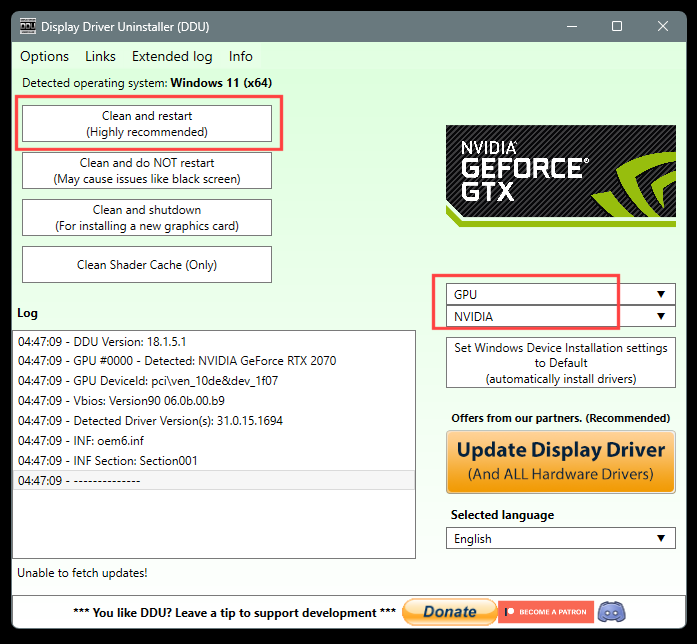
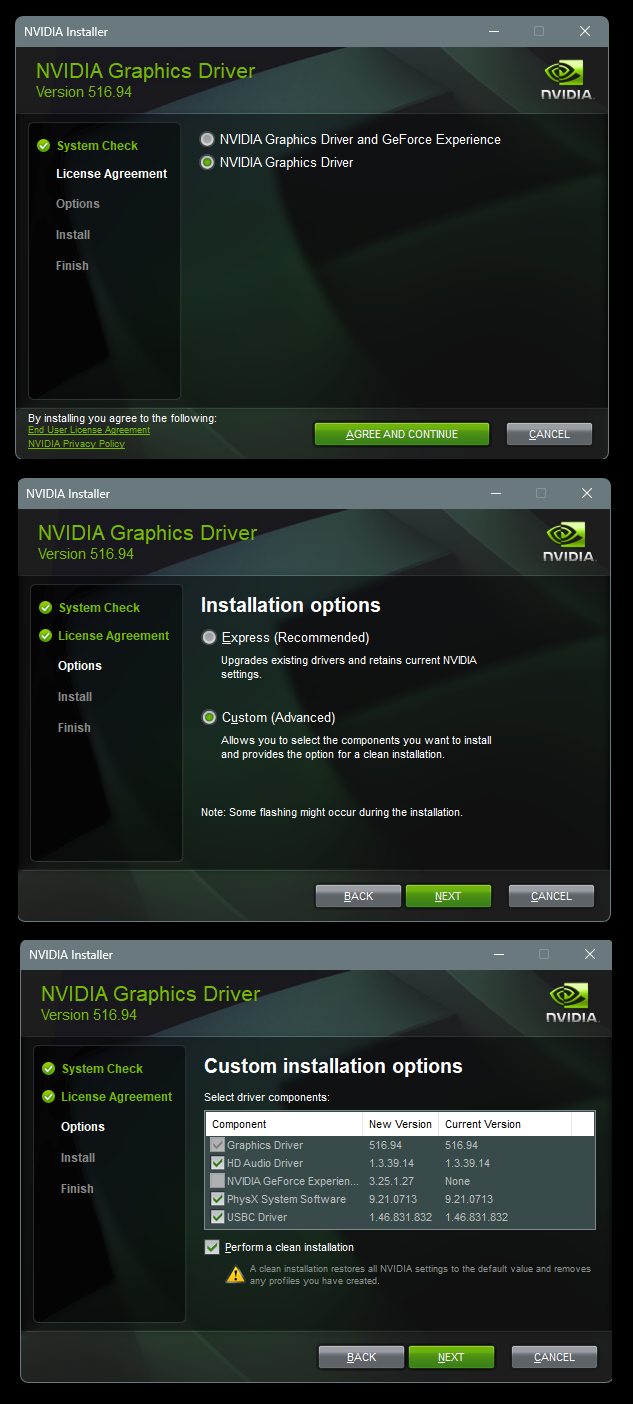




 Thanks for that tip!






