Surface IT Pro Blog:
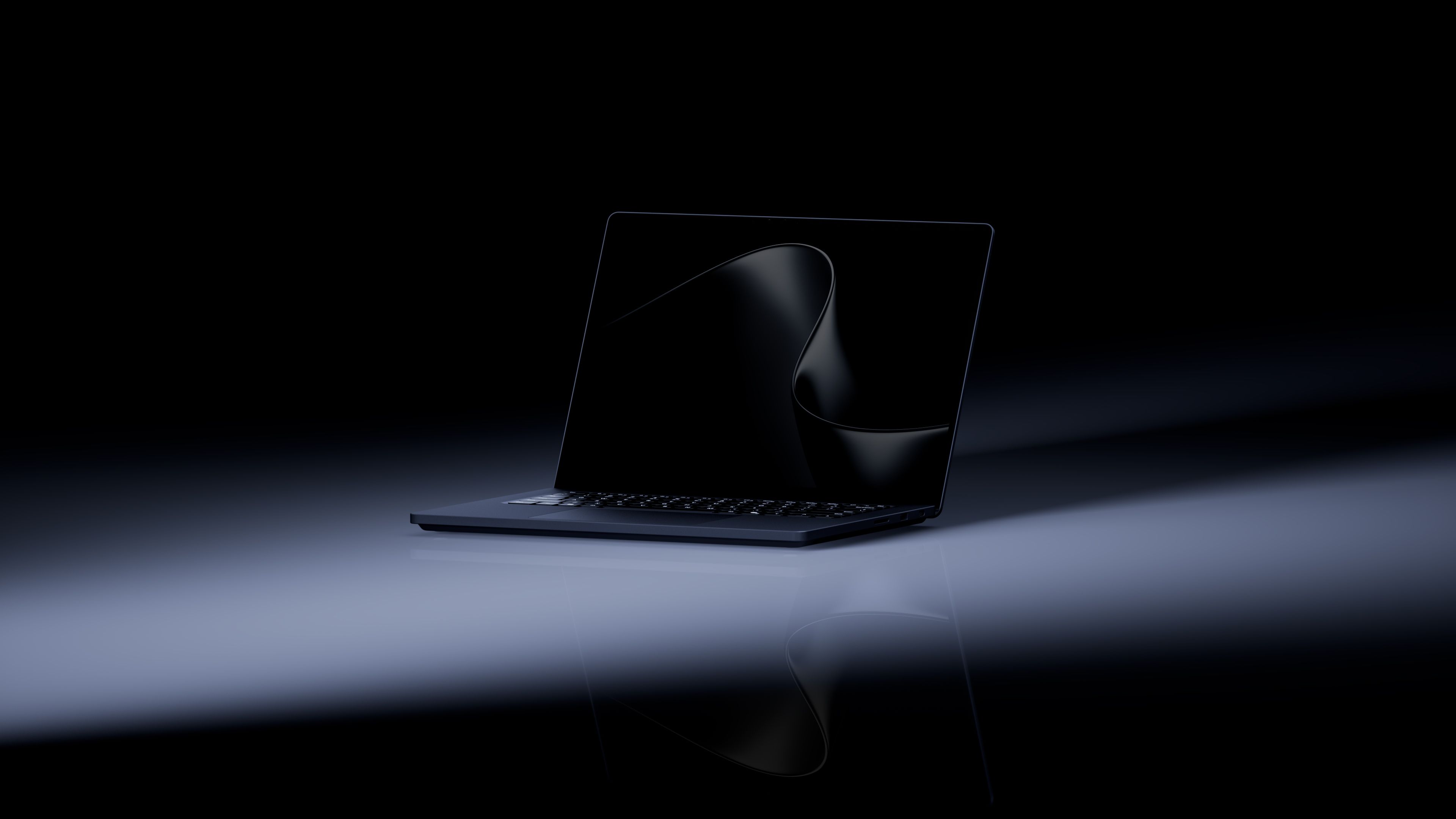
Last week, we introduced the new Surface Laptop Ultra – built for AI workflows, it gives developers, creators, and technical professionals new ways to work with models, graphics, and data locally.
As the PC takes on more demanding AI work, the environment around it plays a greater role too. Users still need to review and refine their work, connect to the tools around them, and collaborate with others. Designed for Surface (DfS) accessories are purpose-built for Surface by trusted partners and can help extend the experience across that broader workspace.
Enable demanding AI workflows
Surface Laptop Ultra brings NVIDIA Blackwell RTX graphics, up to 128 GB of unified memory,1 and access to the CUDA™2 ecosystem – one of the industry's most widely used platforms for accelerated computing – alongside the full Windows AI stack to develop and run demanding AI applications.
These capabilities open up new possibilities for working with AI locally, from exploring data and prototyping models to AI-assisted creative work. The next consideration is how the workspace around the PC supports those experiences.
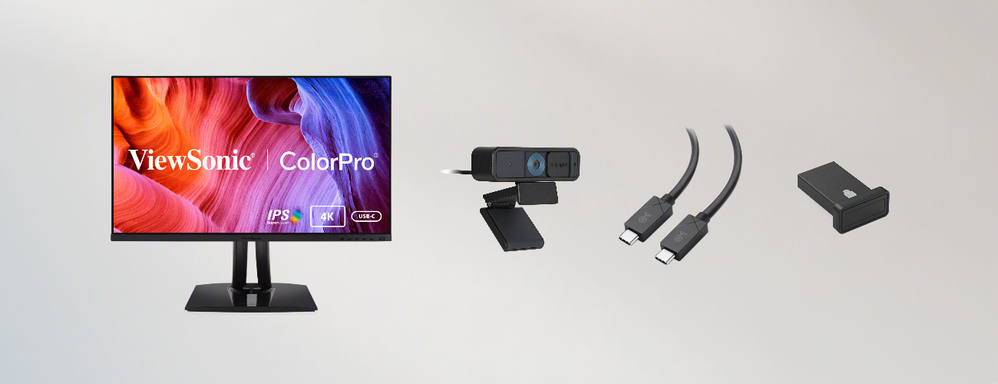
Pictured: ViewSonic 27” ColorPro™ Monitor, Kensington W2005 Webcam, Cable Matters USB-C Cable, and Kensington VeriMark™ Fingerprint Security Key
Extend the workflow
For creative and visual workflows, work often expands beyond the laptop display. To complement Surface Laptop Ultra’s PixelSense™ Ultra touchscreen, the ViewSonic 27” ColorPro™ 4K UHD Monitor offers color accuracy and Pantone Validation in a high-resolution panel3, with additional space for comparing concepts, referencing source material, and refining AI-assisted output. A Cable Matters USB4 40 Gbps USB-C Cable supports high-speed connectivity between the device and other peripherals.
Just as workflows vary by role, so can the requirements around device access and authentication. The Kensington VeriMark™ Fingerprint Security Key gives IT teams an additional password-free authentication option with Microsoft Enhanced Sign-in Security (ESS).
When individual work moves into discussion and review, the Kensington W2005 Auto Focus Webcam provides dedicated 1080p video, an omnidirectional microphone, and automatic focus and light correction.
Together, these accessories support the transitions that can happen throughout the workday, from mobile to desk-based work, creation to review, and individual work to collaboration.
Configure around the user
A developer may prioritize local compute, screen real estate, and connections to peripherals. A creative professional may place greater emphasis on the visual workspace, storage, and collaboration. The same setup will not suit every role.
AI readiness begins with what the PC makes possible, while the workspace helps users make more of that capability. This introduces an opportunity to treat the PC, display, connectivity, collaboration tools, authentication, and other peripherals as an ecosystem around the workflow, rather than as isolated additions to the workspace.
Surface Laptop Ultra is built for demanding creative, technical and AI workloads. Designed for Surface accessories can extend those capabilities into a workspace built around the device, supporting how people create, review, connect, and collaborate.
To explore more DfS accessories that can help you build an AI-ready workspace, visit DesignedforSurface.com.
Source:
Building an AI-ready workspace around Surface Laptop Ultra | Microsoft Community Hub
Build an AI-ready workspace around Surface Laptop Ultra with accessories designed to extend how you create, connect, and collaborate.
 techcommunity.microsoft.com