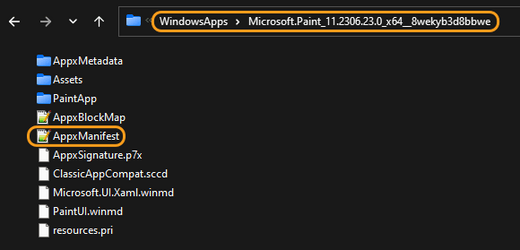
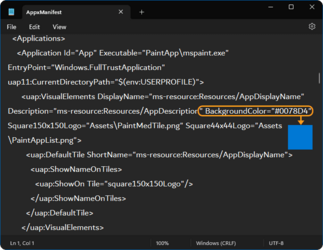
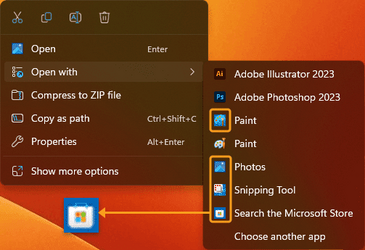
How can I remove the blue background on Microsoft Store apps permanently, I can right click and go into properties then get to the WindowsApps folder and change the Icon to its normal size, but this is annoying as everytime the app updates I get a white blank icon then have to repeat this over again. Any solutions
Attachments

My Computers
System One System Two
-
- OS
- Windows 11