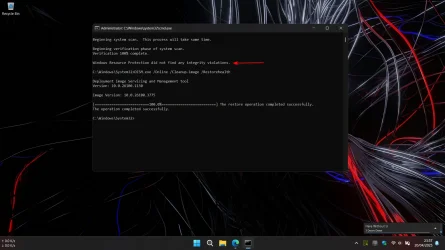
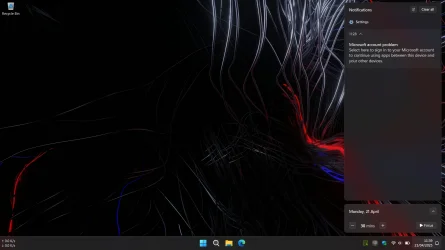
Hello, maybe some of you have experienced this a long time ago, and until now this notification still appears. I've tried searching for all the answers, but the notification still appears. Like here Stopping "Microsoft account problem" notification
I don't know where the mistake lies, when I click this notif and I try to sign in just appear "Something wrong bla bla bla"
Thanks before


I don't know where the mistake lies, when I click this notif and I try to sign in just appear "Something wrong bla bla bla"
Thanks before
- Windows Build/Version
- 26100.3775
Last edited:
My Computer
At a glance
Windows 11 HomeIntel® Core™ i5-12450HXRamaxel 24GBIntel® UHD Graphics | GeForce RTX 3050 6GB
- OS
- Windows 11 Home
- Computer type
- Laptop
- Manufacturer/Model
- Lenovo
- CPU
- Intel® Core™ i5-12450HX
- Memory
- Ramaxel 24GB
- Graphics Card(s)
- Intel® UHD Graphics | GeForce RTX 3050 6GB
- Monitor(s) Displays
- Lenovo Legion R34w
- Screen Resolution
- UWQHD 3440x1440
- Hard Drives
- Micron 512GB | WD Blue 2TB
- Cooling
- Just a prayer
- Keyboard
- Logitech
- Mouse
- Logitech
- Browser
- Microsoft Edge
- Antivirus
- Windows Security