- Local time
- 10:27 PM
- Posts
- 4,018
- OS
- Windows 11 Home 25H2
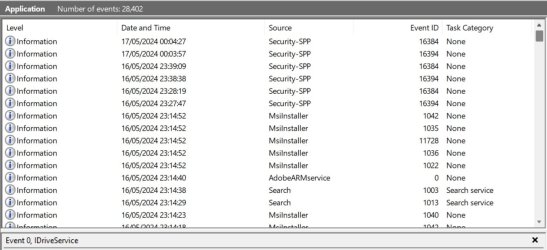
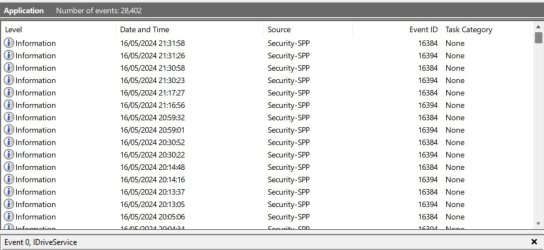
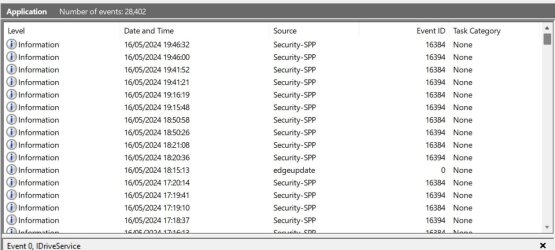
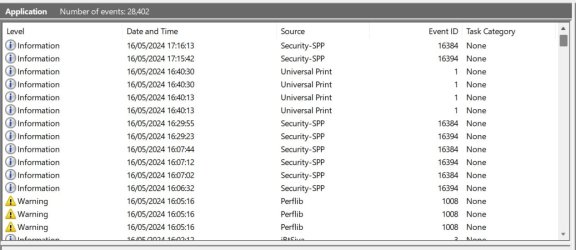
I use idrive, which is installed on the laptop and does daily updates. Tonight I went to do a manual backup before doing Windows updates, only to find the icon had disappeared from the desktop. Checking in the programs list it was no longer there or installed. So I reinstalled it.
How could an installed program just disappear from the laptop without me uninstalling it? (Which clearly I didn't do!).
How could an installed program just disappear from the laptop without me uninstalling it? (Which clearly I didn't do!).
My Computers
-
At a glance
Windows 11 Home 25H2Core i5-1035G132gb- OS
- Windows 11 Home 25H2
- Computer type
- Laptop
- Manufacturer/Model
- HP Pavilion 14-ce3606sa
- CPU
- Core i5-1035G1
- Memory
- 32gb
- Hard Drives
- Samsung 870 evo sata ssd
- Cooling
- Could be better
- Internet Speed
- 50 mbps Starlink
- Browser
- Firefox
- Other Info
- Originally came installed with a 500gb H10 Optane ssd
-
At a glance
Windows 11 HomeIntel Core i5-1035G116gb- Operating System
- Windows 11 Home
- Computer type
- Laptop
- Manufacturer/Model
- HP Pavilion ce3606sa
- CPU
- Intel Core i5-1035G1
- Memory
- 16gb
- Hard Drives
- Hynix Gold P31 2TB
- Internet Speed
- 200mbps Starlink
- Browser
- Firefox
- Antivirus
- Defender