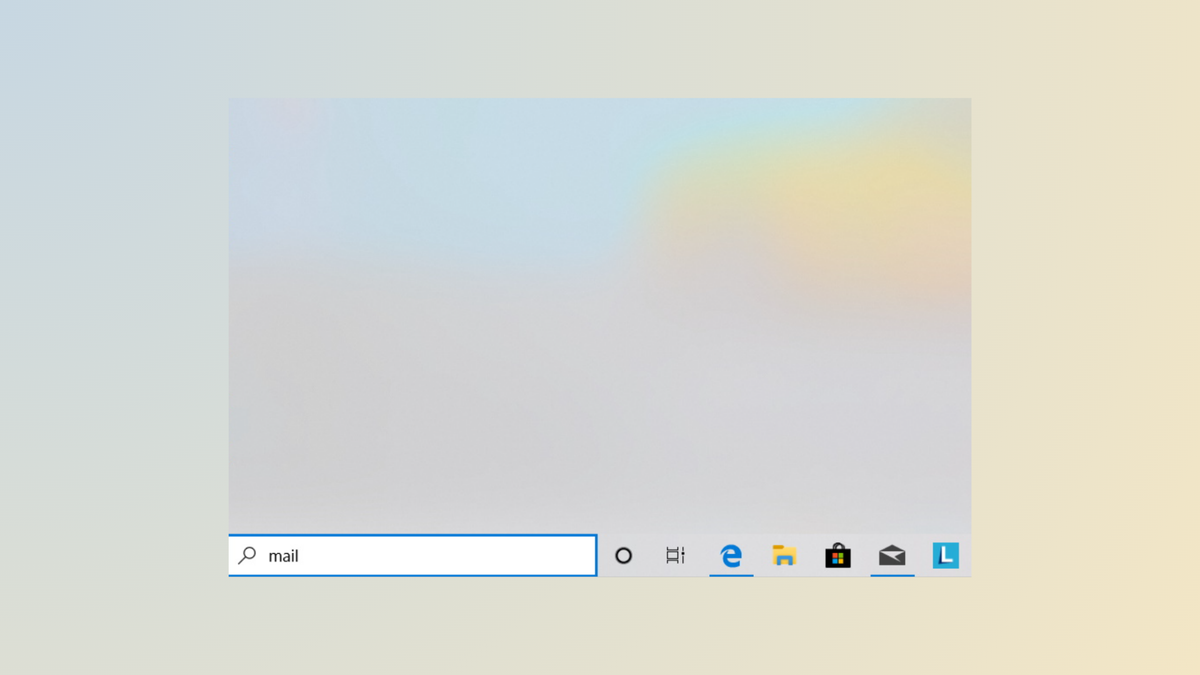
Search results disappear


ChrisVie

Member
Local time
2:06 PM
Posts
15
OS
Windows 11 Pro
After performing a search in the taskbar or with Windows Key +S, the results window closes automatically after 2 seconds. Does anyone know why this happens?
Windows 11 Home, 25H2, 26200.7171
Chris
 

My Computer My Computer

At a glance

Windows 11 ProIntel Core Ultra 9 285H32 GB DDR5Intel Arc 140T
OS
Windows 11 Pro
Computer type
PC/Desktop
Manufacturer/Model
Geekom GT 2 Mega
CPU
Intel Core Ultra 9 285H
Memory
32 GB DDR5
Graphics Card(s)
Intel Arc 140T
Monitor(s) Displays
Asus Rog Strix
Screen Resolution
2560 x 1440 (144 Hz)
Hard Drives
2 TB SSD
PSU
BSY 120 W
Keyboard
Logitech MX Keys S
Mouse
G Pro X Superlight 2
Internet Speed
500 Mbit/s
Antivirus
Microsoft Defender

My Computer My Computer

At a glance

Windows 11 Pro Insider 64 bit 25H2 26200.5742Intel Core i7 9700K 3.6016 GBnVidia GEForce RTX 2060 Super
OS
Windows 11 Pro Insider 64 bit 25H2 26200.5742
Computer type
PC/Desktop
Manufacturer/Model
Gigabyte Z390 UD
CPU
Intel Core i7 9700K 3.60
Motherboard
Gigabyte Z390 UD
Memory
16 GB
Graphics Card(s)
nVidia GEForce RTX 2060 Super
Sound Card
onboard
Monitor(s) Displays
Two 27" Dell 4K monitors
Screen Resolution
3840 x 2160
Hard Drives
M.2 NVME SSD, 500 GB; Two 2TB Mechanical HDD's
PSU
850w PSU
Case
Cyberpower PC
Cooling
Water cooled
Keyboard
Backlit Cyberpower gaming keyboard
Mouse
Backlit Cyberpower gaming mouse
Internet Speed
1 GB mbps
Browser
Brave
Antivirus
Windows Security
Does anyone know why this happens?
Since all the parts involved are Windows parts, I suggest you run SFC as your first response.
SFC - ElevenForumTutorials


Denis


Welcome to ElevenForum.

It's really worth making time to browse through the ElevenForum Tutorial index - there's a shortcut to it at the top of every ElevenForum page [within the Tutorials dropdown list].
- At the foot of the ElevenForum Tutorial index is a shortcut to download it as a spreadsheet.
- I download a new copy each month.
- By downloading it as a spreadsheet I can benefit from Excel's excellent filtering capabilities when I search for topics of interest.
- ElevenForum tutorials are also listed at Tutorials and there's a shortcut to that at the top of every page.

You can search ElevenForum using the search box in the top-right corner of all ElevenForum webpages or using Advanced Search - ElevenForum
- You can also search ElevenForum threads in many general search engines, such as Google, by adding site:elevenforum.com after your search term. For example,
Taskbar setup site:elevenforum.com
- [This is what the search box in the top-right corner of ElevenForum webpages does automatically]
 

My Computer My Computer

At a glance

Windows 11 Home x64 Version 25H2 Build 26200....
OS
Windows 11 Home x64 Version 25H2 Build 26200.9168
Thanks for your advice. The problem still persists. I found some folders that should be scanned but no longer exist and removed them from the list, without success. SFC is unremarkable. The index is currently being rebuilt, which has been going on for days. If I click on the results window quickly enough before it closes, the results are not clickable. The error does not occur when I search for run, cmd, or Device Manager, for example.

The device on which the problem occurs is a 13-year-old Medion Eraser gaming laptop (a slightly modified MSI device). I've had a new device for a few days now, so the problem is no longer so pressing. When the index is finally finished and the problem persists, I'll try the further steps from the link that @Spunk posted, thanks for that.
 

My Computer My Computer

At a glance

Windows 11 ProIntel Core Ultra 9 285H32 GB DDR5Intel Arc 140T
OS
Windows 11 Pro
Computer type
PC/Desktop
Manufacturer/Model
Geekom GT 2 Mega
CPU
Intel Core Ultra 9 285H
Memory
32 GB DDR5
Graphics Card(s)
Intel Arc 140T
Monitor(s) Displays
Asus Rog Strix
Screen Resolution
2560 x 1440 (144 Hz)
Hard Drives
2 TB SSD
PSU
BSY 120 W
Keyboard
Logitech MX Keys S
Mouse
G Pro X Superlight 2
Internet Speed
500 Mbit/s
Antivirus
Microsoft Defender

Latest Support Threads

Back
Top Bottom