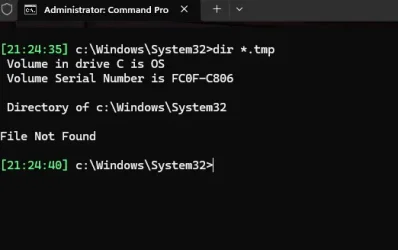
For a long time now, my system currently 21600.4946, has a number of files being reported when I run REVO. They are always left behind and I am unsure if they should be left alone or if there is a way that they can be safely removed.
The files are in the Windows System32 folder and are:
15 files beginning C:\Windows\System32\OLD3108.temp. There are 15 files such files in this sequence starting with this file.
27 files beginning C:\Windows\Drivers\SET64C0.temp. There are 27 such files in this sequence starting with this file.
If they could be removed, how would I go about removing them? I don’t think for one moment that it would be a case of just deleting them from the system32 folder.
The files are in the Windows System32 folder and are:
15 files beginning C:\Windows\System32\OLD3108.temp. There are 15 files such files in this sequence starting with this file.
27 files beginning C:\Windows\Drivers\SET64C0.temp. There are 27 such files in this sequence starting with this file.
If they could be removed, how would I go about removing them? I don’t think for one moment that it would be a case of just deleting them from the system32 folder.
My Computers
-
At a glance
Windows 11 Pro 25H2 26200 current releasei7 11700KF32g DDR4 @3200Gigabyte RTX3060ti- OS
- Windows 11 Pro 25H2 26200 current release
- Computer type
- PC/Desktop
- Manufacturer/Model
- Home DIY
- CPU
- i7 11700KF
- Motherboard
- Gigabyte Z590 Aorus Elite AX
- Memory
- 32g DDR4 @3200
- Graphics Card(s)
- Gigabyte RTX3060ti
- Sound Card
- 0
- Monitor(s) Displays
- Samsung Syncmaster B2430HD
- Screen Resolution
- 1920 x 1080
- Hard Drives
- Samsung EVO 980 500G M.2
- PSU
- 600w EVGA
- Case
- Antec P280
- Cooling
- Coolmaster V6 GT
- Keyboard
- Logitech wireless K520r
- Mouse
- Logitech wirless M705
- Internet Speed
- Starlink 100mbps
- Browser
- Antivirus
- ESET
- Other Info
- Starlink
-
- Computer type
- PC/Desktop