Solved Why is my device security different?


Silencious

Well-known member
Local time
12:51 AM
Posts
31
Location
United Kingdom
OS
windows 11
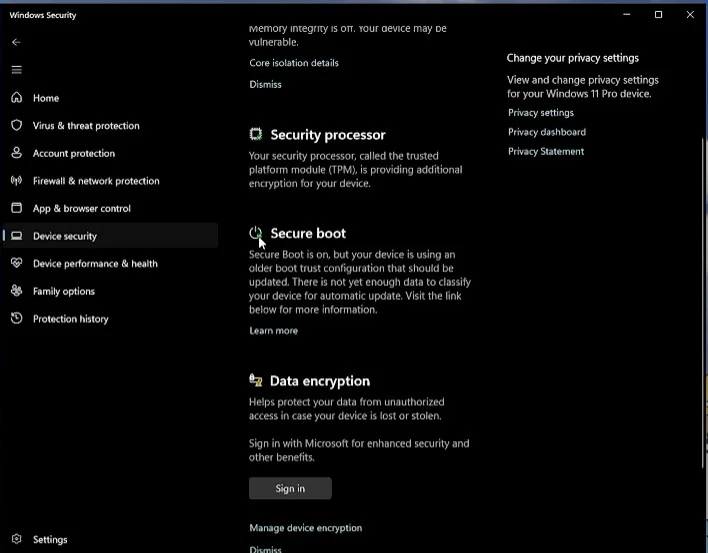
Hi people, I was watching a youtube about secure boot and to check if I had any issues. The presenter said to click Windows security and then go toyoutube security.webp
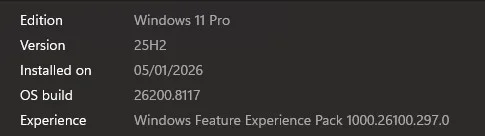
device security which is shon here. But on my computer Windows 11 25H2 Windows.webp
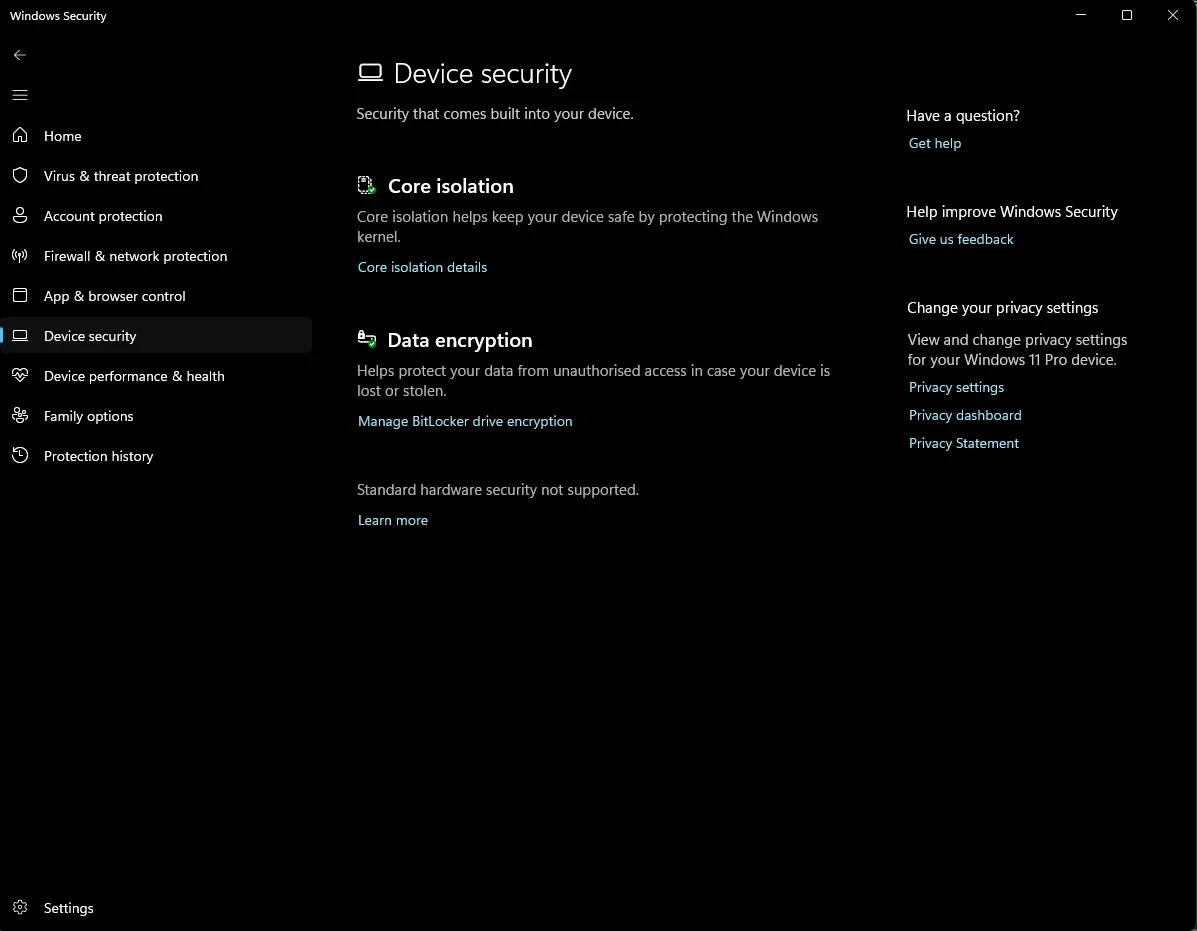
I have this my device security.webp
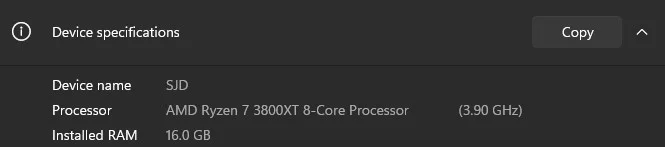
Can anyone tell me why? I have 64bit.webp 64Bit. I also put in PowerShell as admin this command and I get thisPS.webp. Can someone help me or put my mind at ease?
 

My Computer My Computer

At a glance

windows 11
OS
windows 11
The entire Secure Boot section disappears from Device Security when Secure Boot is disabled.

From PowerShell:
Code:
Confirm-SecureBootUEFI

$true = Secure Boot ON
$false = Secure Boot OFF
Error = Legacy CSM mode
 

My Computer My Computer

At a glance

Windows 7
OS
Windows 7
So I need to go back into the bios again?
 

My Computer My Computer

At a glance

windows 11
OS
windows 11
The only way to switch your Secure Boot mode is from BIOS. Otherwise a hacker could just disable it from Windows.
 

My Computer My Computer

At a glance

Windows 7
OS
Windows 7
When I updated my Bios I thought it would remain in secure boot. I'll reboot and try again
 

My Computer My Computer

At a glance

windows 11
OS
windows 11
Ok, so I rebooted into the BIOS, and it says that secure boot is enabled, and underneath it says 'not active'? Is this normal?
 

My Computer My Computer

At a glance

windows 11
OS
windows 11
Are you using Legacy CSM mode, instead of UEFI mode? Did you delete your Secure Boot certs at any time?

UEFI mode must be used for Secure Boot to work.
 

My Computer My Computer

At a glance

Windows 7
OS
Windows 7
Solved. After much thought. I went back to the BIOS, checked that CSM was in fact disabled, and that my BIOS mode was UEFI. Changed the standard mode in the BIOS to custom. Disable the secure boot and reboot into Windows. Went into recovery and advanced options, restarted the computer, and went into troubleshoot and UEFI settings. Back in the BIOS, checked the key management, reinstalled the keys, and re-enabled secure boot. Rebooted, and now...SB.webp
 

My Computer My Computer

At a glance

windows 11
OS
windows 11
Back
Top Bottom