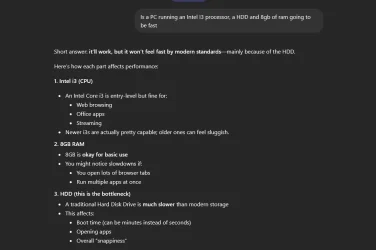
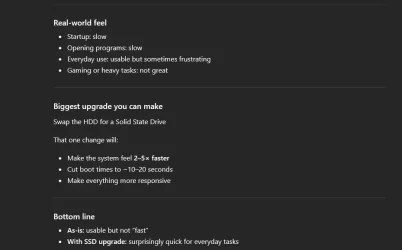
And thanks for the detailed instructions. I wouldn't mind at all dropping $150 on a solid-state 1TB drive, but if it means re-installing all of my files, iTunes, song files, re-installing programs, etc... ugh. That would take me weeks, plus I'd have to find someone to install the new drive, because I certainly wouldn't want to open up the metal box.
But again, do you think that alone is the main reason for this problem, or is it file structure or Defender running amok?
It's been a long time since I heard of significant Defender issues. Not impossible.
More likely:
Dell crap running
One Drive running amok.
Undiagnosed and unnecessary processes running....probably fixable, but not by you alone.
Undiagnosed hardware issues; not sure what Dell service guys checked? RAM? This needs to be confirmed by Micro Center or whoever.
Virus/malware; unlikely if Defender is doing what it is supposed to do.
I suppose you could even have a CPU throttling issue due to heat. Don't know if Dell checked that.
If you ever get this thing sobered up, you should install "HWInfo64" a superb way to get an overview of hardware performance....temperatures, wattage, CPU speeds, fan speeds, etc. It's free.
My Computer
System One
-
- OS
- Windows 11 Pro
- Computer type
- PC/Desktop
- Manufacturer/Model
- Fishmill Special
- CPU
- Intel 265K
- Motherboard
- MSI Pro Z890-A
- Memory
- G Skill DDR5 2 x 16 kit 6000/36
- Graphics Card(s)
- none
- Sound Card
- none
- Monitor(s) Displays
- Dell 2316H
- Screen Resolution
- 1600 x 900
- Hard Drives
- WD SN770 NVME 500 GB boot; Intel 660p NVME 2 TB and WD Green 3 TB storage
- PSU
- Be Quiet 13M 750 ATX 3.1
- Case
- Lancool PC-K65
- Cooling
- Noctua U12S
- Keyboard
- Logitech K120 Wired
- Mouse
- Dell MS-116
- Browser
- Chrome
- Antivirus
- Microsoft Defender and Malwarebytes