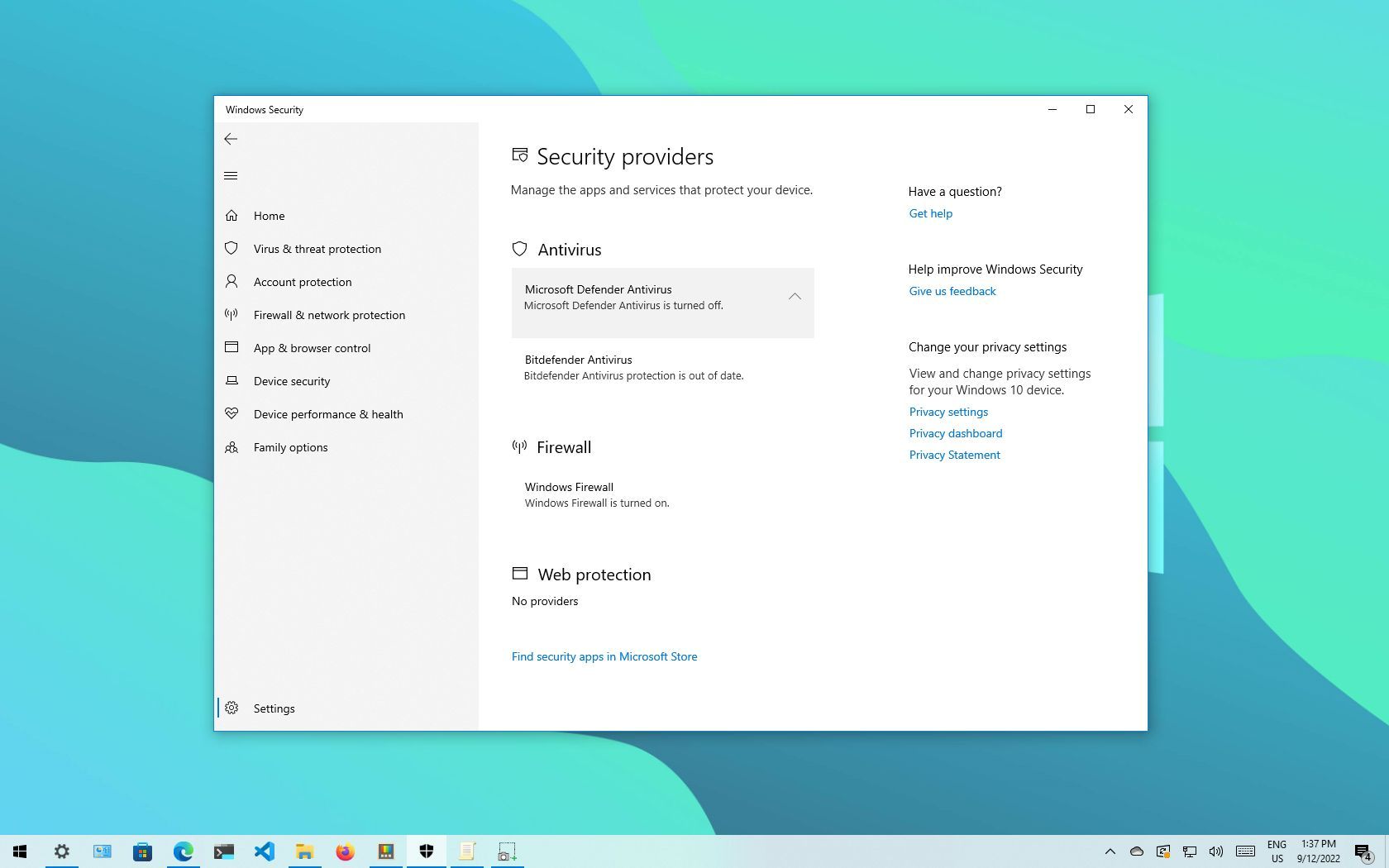
I know I can run them together; I generally don't turn Defender on because every time Malwarebytes does a version update it turns off Defender and I'm too lazy to go turn it back on.@dbartenstein
I never see that screen in your shot. I think you want Defender running alongside MBAM (it's a widespread myth that they won't cooperate, but they will -- perfectly), and in order to get that situation, you have to open Malwarebytes, click Settings (the gear at the top), in the Settings window, click Security in the top row of tabs, and in the Security window, scroll down to Windows Security Center, and slide OFF the slider for Always register ...
That'll do 'er.
If you do that, and (for instance) you download a possibly malicious program and try to open it, Defender will grab it, and if you register that program with Defender as an acceptable threat and then try again to open it, Malwarebytes will grab it. Many AV programs are incompatible with Defender, but MBAM, properly set, isn't one of them.
There are several threads about running a third-party AV and Defender together on this Forum. I think it has been demonstrated conclusively that MBAM and WD run happily together.
EDIT: In all of the above, I'm referring to Malwarebytes Premium, not MBAM Free. The Free version doesn't run in real time, just on demand, and when used to scan (on demand), it doesn't interfere with Defender at all. Premium runs all the time in real time, with malware, ransomware, exploit, and Web protection live at all times, and runs alongside Defender, if MBAM Premium is properly set.
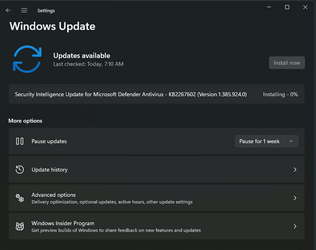
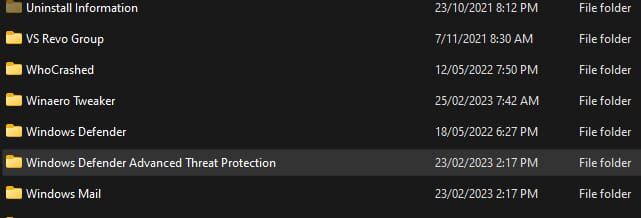
My question has more to do with why I'm getting notices every morning that Defender has run a scan when my settings show Defender is not turned on.
My Computers
-
At a glance
Win 11 Pro (26H2 Experimental Preview)Intel(R) Core(TM) i5-9300H CPU @ 2.40GHz 2.40...32GBNvidia GeForce GTX 1650, Intel UHD 630- OS
- Win 11 Pro (26H2 Experimental Preview)
- Computer type
- Laptop
- Manufacturer/Model
- Acer AN515-54
- CPU
- Intel(R) Core(TM) i5-9300H CPU @ 2.40GHz 2.40 GHz
- Memory
- 32GB
- Graphics Card(s)
- Nvidia GeForce GTX 1650, Intel UHD 630
- Monitor(s) Displays
- Acer CB272D
- Screen Resolution
- 1920x1080
- Hard Drives
- 256GB and 1T SSD
- Internet Speed
- 500MB
- Browser
- Edge (Stable)
- Antivirus
- Microsoft Defender
-
At a glance
Win 11 Pro (26H2 RP)Intel(R) Core(TM) Ultra 9 275HX (2.70 GHz)32GB DDR5-5600NVIDIA® GeForce RTX™ 5060 8GB- Operating System
- Win 11 Pro (26H2 RP)
- Computer type
- Laptop
- Manufacturer/Model
- Lenovo Legion 5 16IAX10 - Type 83NX
- CPU
- Intel(R) Core(TM) Ultra 9 275HX (2.70 GHz)
- Memory
- 32GB DDR5-5600
- Graphics card(s)
- NVIDIA® GeForce RTX™ 5060 8GB
- Monitor(s) Displays
- Acer CB272D
- Screen Resolution
- 1920x1080 75Hz
- Hard Drives
- WD Green SN3000 (2TB)
Samsung Portable T5 (2TB)
- Keyboard
- Logi MX Keys
- Mouse
- Logi MX Anywhere 3
- Internet Speed
- 500MB
- Browser
- Edge
- Antivirus
- MS Defender