allisondbl
New member
- Local time
- 10:56 AM
- Posts
- 16
- OS
- Windows 11
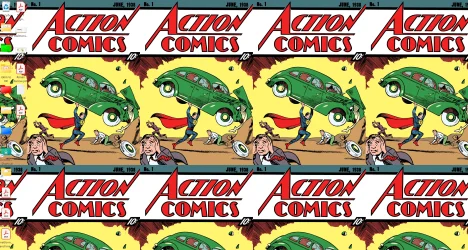
As we all know by now, you can't give your Desktop icons an actual colored background, nor can you Bold or change their font. I used Iconoid to solve this problem in Windows 10 for years but it does NOT work in Windows 11. YES I have researched this to death and NO the accessibility changes that supposedly let you make Icon text more visible by using a plain solid boring background for example don't help. I like using art of all kinds as my Desktop and change it on the regular BUT I have issues with my vision and REALLY need to make the Text of my icons more visible via bolder font or adding a background of a different solid color behind the text. I've attached an image of my current desktop and you can see how it's impossible to read the text/labels on my Icons/Folders HELP!!!
Attachments
My Computer
At a glance
Windows 11
- OS
- Windows 11
- Computer type
- PC/Desktop
- Manufacturer/Model
- Custom