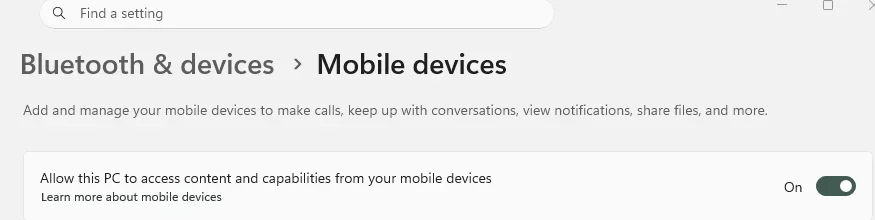
All you need is the Phone Link App on Windows PC, and Windows Link on your Phone.
Both are standard, already installed on Windows PC/Phone.
The file(s) go to the respective standard Download folders on both.
No need for setting up shared folders, which is another way I guess.
Phone > Settings > Security and privacy > Auto Blocker is On.
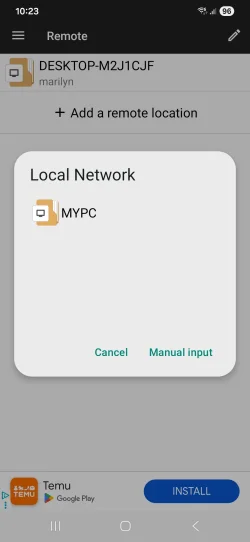
File Manager + Google alternative File Manager with Ads. I just use what is already there My Files.
Both are standard, already installed on Windows PC/Phone.
The file(s) go to the respective standard Download folders on both.
No need for setting up shared folders, which is another way I guess.
Phone > Settings > Security and privacy > Auto Blocker is On.
File Manager + Google alternative File Manager with Ads. I just use what is already there My Files.
My Computer
At a glance
Windows 11
- OS
- Windows 11