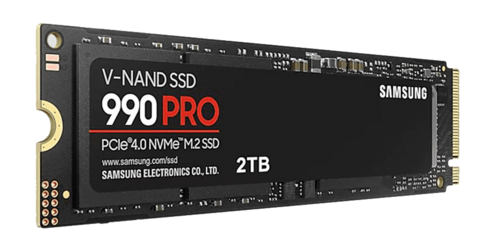
Unallocated space, or space that isn't a part of any partition on the drive is used as additional OP space (i.e. actual OP space, not "equivalent to" OP space). Whereas unused, or free available space on the partition(s) on the drive is not used as OP space, nor is equivalent to OP of the same size. Only if the SSD in question uses something like DuraWrite technology from Seagate, which Samsung SSDs do not use, data compression and deduplication are used to create additional (dynamic) OP "under the hood". (The size of this specific type of OP space part depends on the compression factor, or entropy of the data stored on the drive.)
Whether TRIM is enabled, doesn't make a shred of difference to any of all this except for the fact that TRIM helps (indirectly) to increase the size of the above mentioned type of dynamic OP [that results from Seagate's DuraWrite].
However, it is still true that TRIM also contributes to why user-specified OP is not usually necessary for typical consumer use. For enterprise or write-heavy environments, combining TRIM with user-specified OP yields the best results—and this continues to hold true also for modern SSDs.
Both TRIM and user-specified OP reduce write amplification: OP does this by giving the SSD more room to manage data; TRIM does it by telling the SSD which data is no longer valid, so it doesn’t waste time rewriting it. Both improve garbage collection: OP gives the SSD breathing room; TRIM makes garbage collection smarter.
Even so, unused space plus TRIM (or dynamic TRIM) and user-specified OP are not equivalent to each other. Instead, they play complementary roles: TRIM helps maintain performance over time, while OP helps sustain performance under heavy or sustained workloads. Think of OP as reserving extra lanes on a highway for emergency vehicles—they’re always available and improve traffic flow. TRIM is like clearing debris from the road—it doesn’t add lanes, but it keeps existing ones usable and efficient.



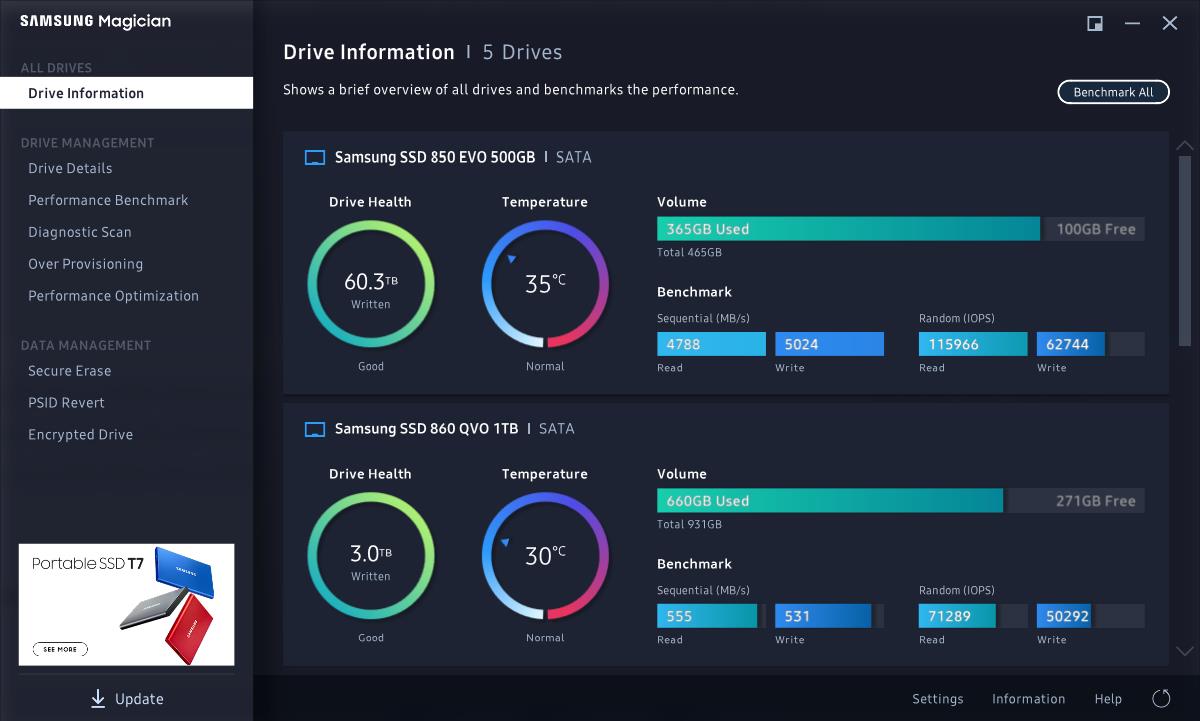



 Apple 13" Macbook Pro 2020 (m1)