I suggest, as I did before, that you make use of the forum's tutorials as much as possible.
In this case
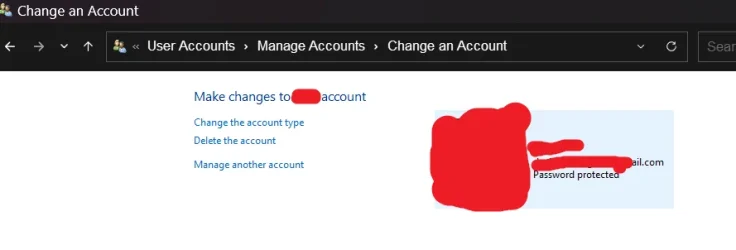
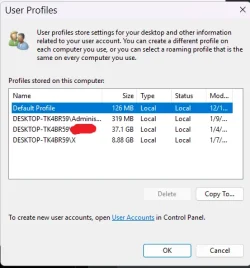
This tutorial will show you how to delete a user account to remove it from your Windows 11 PC. Having different accounts on a shared PC lets multiple people use the same device, all while giving everyone their own sign-in info, plus access to their own files, browser favorites, and desktop...

www.elevenforum.com
and, if still required,
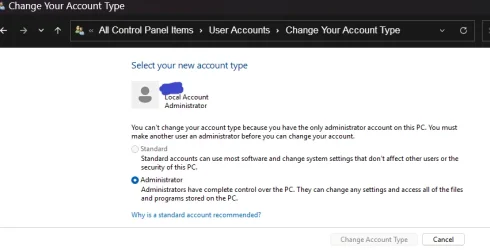
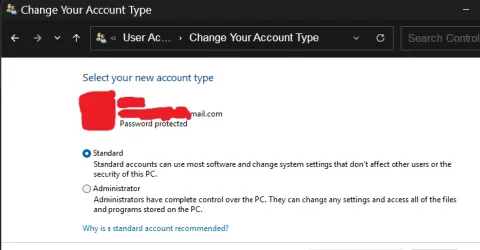
in your previous thread, someone gave you a link to the tutorial that explained how to check account types.
Check Account is Local Account or Microsoft Account - ElevenForumTutorial
Tutorials benefit from constant scrutiny & continual improvement.
For all I know, the other suggestions above might be valid as well but I rely on tutorials whenever possible.
Just to set this in some sort of context, I have been active in these forums for eight years and I have only ever found two cases of my suggestions being better than those given in the relevant tutorials.
All the best,
Denis
Welcome to ElevenForum.
It's really worth making time to browse through the ElevenForum
Tutorial index - there's a shortcut to it at the top of every ElevenForum page [within the
Tutorials dropdown list].
- At the foot of the ElevenForum Tutorial index is a shortcut to download it as a spreadsheet.
- I download a new copy each month.
- By downloading it as a spreadsheet I can benefit from Excel's excellent filtering capabilities when I search for topics of interest.
- ElevenForum tutorials are also listed at
Tutorials and there's a shortcut to that at the top of every page.
You can search ElevenForum using the search box in the top-right corner of all ElevenForum webpages or using
Advanced Search - ElevenForum
- You can also search ElevenForum threads in many general search engines, such as Google, by adding
site:elevenforum.com after your search term. For example,
Taskbar setup site:elevenforum.com
- [This is what the search box in the top-right corner of ElevenForum webpages does automatically]