- Local time
- 8:10 PM
- Posts
- 11
- OS
- windows 11 Home
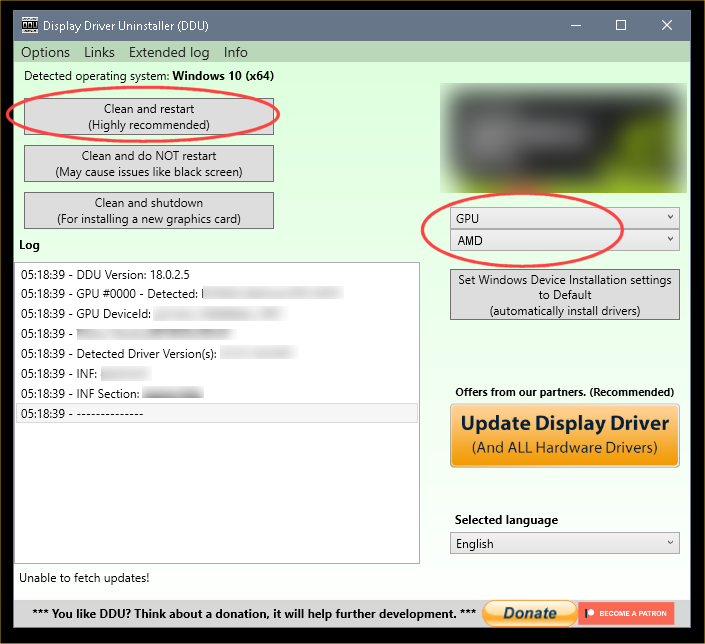
After a year with no problems now when I play a game mostly Tarkov I can get one or two raids in before screens go black and monitors go in sleep mode and the PC acks like its restarting but with nothing on the screens. I never get Blue screens, I notice I have to reinstall my GPU drivers, cause after I try and get into my GPU controller and it wants me to update it and wont let me into the program. I even try and download the update like it asks me to and all it does is install and go back to the same message to update and install drivers. When I do install the drivers after using DDU in bios, I double check the to see if I'm up to date with drivers and I am after I reinstall drivers.
after a week I started getting free programs like HWMonitor, OCCT, and some others to run some test and monitor what was happening. stress tested CPU passed, stress tested GPU passed, Stressed tested Memory passed. no crashes and or problems. in event viewer I get lots of DCOM 10010 errors (red) did everything they say to get rid of that and it keeps happening and learned they cause no real harm normally. I also get a .Netframe error but not very often, I did get a Kernnel-power error and I did what the website said and I don't get that one much anymore. Thinking it was a power issue I replaced the PSU, same problem still exist. Thinking it was a GPU cause of the drivers always getting corrupt after each crash, I ended up replacing it, that didn't fix the problem, same issues. I ran multiple windows tools trying to fix it and still same problem. I reinstalled windows 11 hoping that would fix the issue and that didn't fix it. I can't keep replacing hard wear. I am trying hard to not take this in cause its my first custom build and I would love to figure this out but now I need some help. Very new to troubleshooting so any help would be great. Or if anyone knows a trusted diagnostic program that works, would be appreciated.
Thank you in advance.
Steve.
windows 11 (build 26200.8655)
after a week I started getting free programs like HWMonitor, OCCT, and some others to run some test and monitor what was happening. stress tested CPU passed, stress tested GPU passed, Stressed tested Memory passed. no crashes and or problems. in event viewer I get lots of DCOM 10010 errors (red) did everything they say to get rid of that and it keeps happening and learned they cause no real harm normally. I also get a .Netframe error but not very often, I did get a Kernnel-power error and I did what the website said and I don't get that one much anymore. Thinking it was a power issue I replaced the PSU, same problem still exist. Thinking it was a GPU cause of the drivers always getting corrupt after each crash, I ended up replacing it, that didn't fix the problem, same issues. I ran multiple windows tools trying to fix it and still same problem. I reinstalled windows 11 hoping that would fix the issue and that didn't fix it. I can't keep replacing hard wear. I am trying hard to not take this in cause its my first custom build and I would love to figure this out but now I need some help. Very new to troubleshooting so any help would be great. Or if anyone knows a trusted diagnostic program that works, would be appreciated.
Thank you in advance.
Steve.
windows 11 (build 26200.8655)
- Windows Build/Version
- windows 11 (build 26200.8655)
My Computer
At a glance
windows 11 HomeRyzen 7 9850x3D32 GB Gskill 6000AMD Radeon RX 9070 XT
- OS
- windows 11 Home
- Computer type
- PC/Desktop
- Manufacturer/Model
- Custom
- CPU
- Ryzen 7 9850x3D
- Motherboard
- gigabyte X870E Aorus Master x3D
- Memory
- 32 GB Gskill 6000
- Graphics Card(s)
- AMD Radeon RX 9070 XT
- Sound Card
- Not sure
- Monitor(s) Displays
- 1. 40 inch LG Ultragear+ 2. Dell 28 inch (AW2720HF)
- Screen Resolution
- 1. 3440x1440 (recommended) 2. 1920 x1080 (recommended)
- Hard Drives
- SSD 8TB BW
- PSU
- Corsair HX1200i
- Case
- AIR 5400 LX-R Triple Chamber Mid-Tower PC Case
- Cooling
- Tryx Panorama SE 360
- Keyboard
- Corsair
- Mouse
- swift point z2
- Internet Speed
- Elon Musk star link
- Browser
- Duck Duck Go, Chrome, Fire fox
- Antivirus
- Windows Defense/ Fortect